
 EN
EN


-
{{ CAT. NAME }}
{{ FILTERS.VARIANTS.TYPE1_NAME }}
{{ FILTERS.VARIANTS.TYPE2_NAME }}
Brand
Model
{{ FILTER.NAME }}
Price
Development Boards and Accessories Based on Arduino
In the development boards based on Arduino and Accessories category, you can easily select the components that best suit your projects by browsing Arduino-based development boards, shields, sensors, modules, cables, and prototyping products.
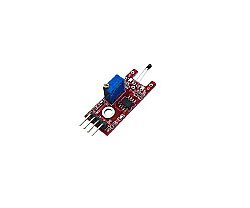
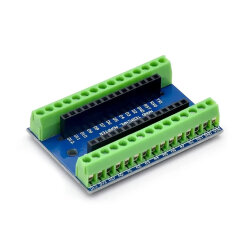
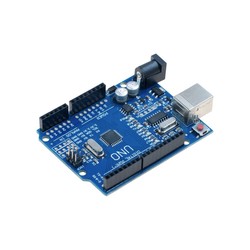
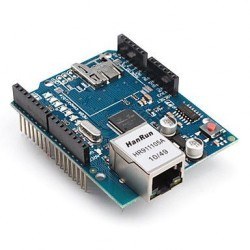
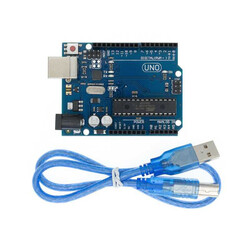
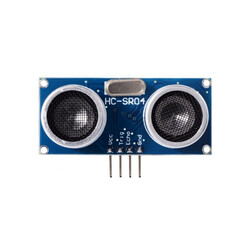
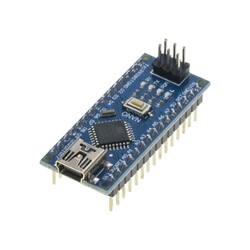
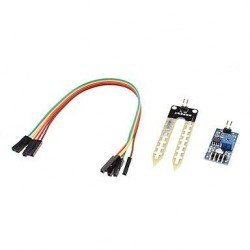
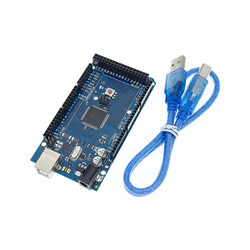
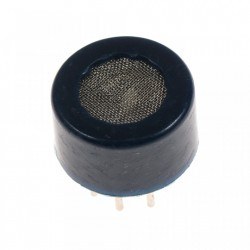
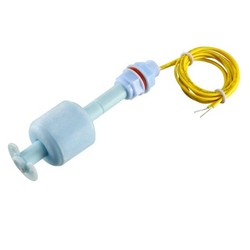
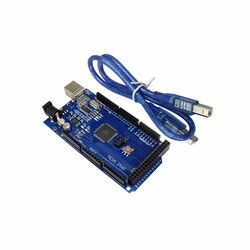
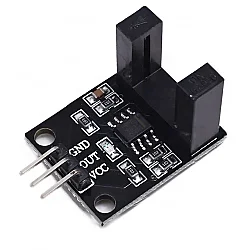
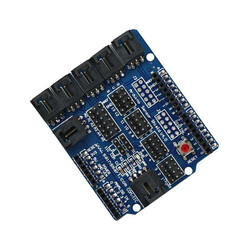
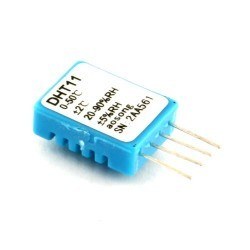
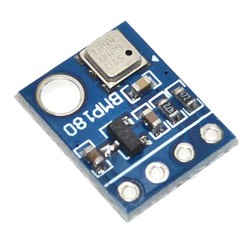
Bring Your Projects to Life with Boards and Accessories Based on Arduino
When stepping into the world of electronics and robotics, one of the most practical ways to join a broad ecosystem without stretching your budget is to use boards and accessories based on Arduino.
Produced with the open-source hardware philosophy, these boards and add-ons are developed based on the schematics of original designs.
These hardware products work fully with the Arduino IDE software, offering a cost advantage without compromising quality and performance.
In this category, you can find development boards, CH340-based models, connection cables, pin headers, and various electronic components you may need, from basic electronic circuits to complex robotic systems.
Why Choose Boards Compatible with Arduino?
Many developers prefer compatible boards to avoid high costs during the prototyping stage. The main advantages offered by these boards are:
- Software Compatibility: All the code you write in the C++-based Arduino IDE compiles and runs smoothly on these boards.
- Cost Efficiency: They offer an ideal price/performance ratio, especially for educational institutions, student clubs, or projects that require multiple hardware units.
- Wide Accessory Support: They work with thousands of sensors, shields, and modules available on the market with a plug-and-play approach.
What Products Are Available in This Category?
The boards and accessories based on Arduino category includes development boards with different form factors such as UNO, Nano, Mega, and Pro Mini, as well as sensors, shield boards, communication modules, motor control products, displays, relays, cables, and prototyping equipment. The products vary to meet different project needs, from beginner-level applications to advanced use cases.
For beginner-level simple LED, button, and sensor applications, basic boards and components can be preferred.
For more advanced projects, more comprehensive systems can be built using motor driver shields, Ethernet shields, sensor shields, wireless communication modules, relay boards, and multi-connection accessories.
Development Boards Based on Arduino
Development boards based on Arduino are microcontroller boards used as the main control unit in electronic projects.
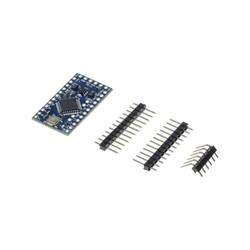
Models such as UNO R3, Nano, Mega 2560, and Pro Mini address different needs depending on pin count, board size, USB connection chip, operating voltage, and project level.
UNO-form boards offer a practical starting point for users who are new to electronics and coding. With broad resource support, an easy connection structure, and many example projects, they are suitable for learning the basics of circuit logic.
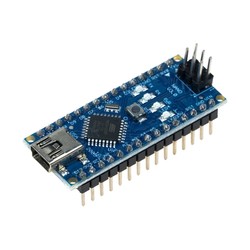
Nano-form boards stand out in more compact projects, while Mega-form boards provide an advantage in projects that require many sensor, motor, or display connections.
If you want to focus only on development board options for your project, you can review the products in the Development Boards Based on Arduino category.
Shields and Expansion Boards for Arduino
Shield boards are expansion boards that are mounted on development boards to add new features to a project.
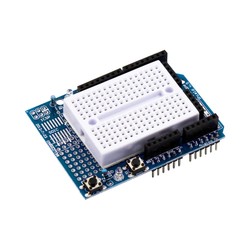
In cases such as motor control, Ethernet connection, sensor connection, LCD display usage, prototyping, or multiple connection needs, shield products make the project setup more organized.
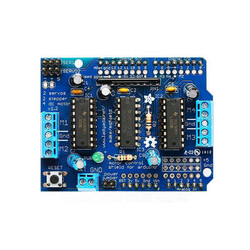
For example, motor driver shields provide connection convenience when controlling DC motors, stepper motors, or servo motors. Ethernet shields can be used in internet-connected projects.
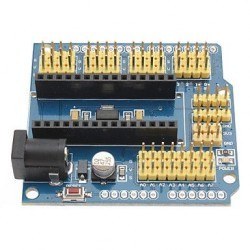
Sensor shields help connect multiple sensors in a more organized way. This structure reduces circuit complexity and enables faster prototyping, especially in education, robotics, and automation projects.
To separately review expansion boards for motor, Ethernet, sensor, or prototyping purposes, you can visit the Shields for Arduino category.
Sensors, Modules, and Accessories for Arduino
In projects based on Arduino, sensors and modules allow the board to interact with its environment.
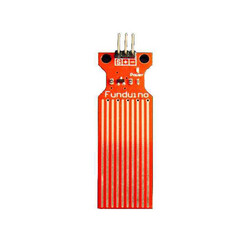
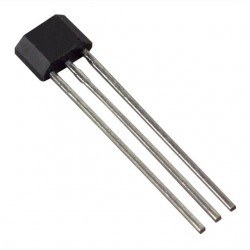
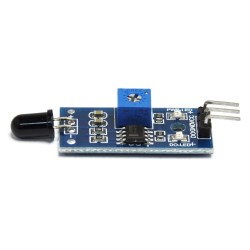
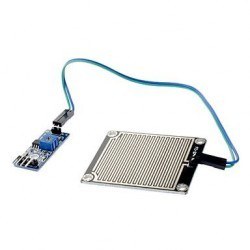
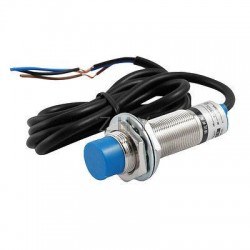
Distance sensors, temperature-humidity sensors, motion sensors, light sensors, soil moisture sensors, rain sensors, accelerometer-gyro sensors, relay modules, display modules, and communication modules can be used in different types of projects.
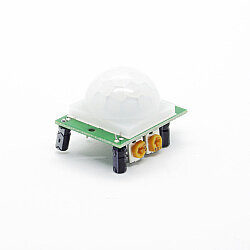
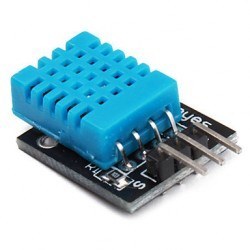
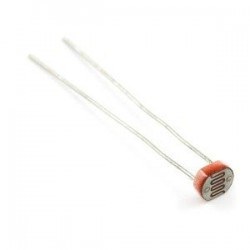
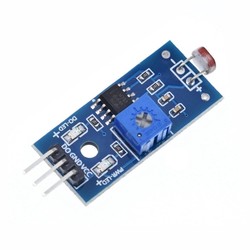
Distance measurement can be performed with the HC-SR04 ultrasonic distance sensor, temperature and humidity tracking with DHT11 or similar sensors, motion detection with PIR sensors, light level measurement with LDR, and motion and orientation tracking with accelerometer-gyro sensors such as MPU6050.
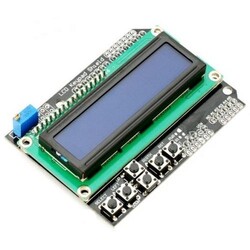
Relay modules can be preferred for controlling electrical loads, while display modules can be used to show measured data to the user.
To review products that can be used in measurement, detection, data collection, and control projects in more detail, you can check the Sensors / Modules for Arduino category.
How to Choose the Accessory You Need? (Quick Guide)
When choosing between boards and accessories based on Arduino, the first step is to clearly define the purpose of the project.
A simple educational application, robotic vehicle, smart home system, IoT project, wireless data monitoring application, or multi-sensor automation project may require different products.
When making a selection, the board’s pin count, analog inputs, PWM outputs, operating voltage, USB connection chip, communication interfaces, size, and compatibility with the modules to be used should be checked.
Since 3.3V and 5V logic levels may create different connection requirements for some sensors and modules, the technical details in the product descriptions should be reviewed carefully.
| Need / Project Step | Recommended Accessory | LSI / Entity Connection | Purpose of Use |
| Main Controller | UNO R3 Based on Arduino (CH340) | ATmega328P, USB-Serial | Main brain of the project |
| Solderless Prototyping | Breadboard & Jumper Cable | Male-to-Male Jumper | Fast circuit setup |
| Connection & Power | USB Type-B / Battery Holder | 9V Battery, Adapter | Providing power and code to the board |
| Visual Feedback | 5mm LED / LCD Display | I2C Module, RGB LED | Observing outputs |
For Beginner and Educational Projects
For users who are new to electronics and coding, UNO boards based on Arduino, LEDs, buttons, resistors, breadboards, jumper cables, and basic sensors offer a practical starting point.
With these products, applications such as lighting an LED, reading a button, receiving sensor data, controlling a servo motor, and building simple robotics projects can be developed.
In school projects, workshops, and individual learning processes, ready-made kits can also be preferred instead of selecting each part one by one.
Users who want to evaluate different components together can review beginner and education-focused options in the Kits Based on Arduino category.
For Robotics and Automation Projects
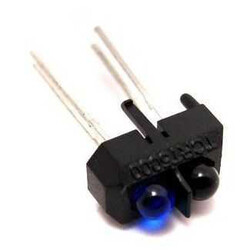
In robotics and automation projects, motor drivers, servo motors, DC motors, distance sensors, line sensors, relay modules, power connection equipment, and connection cables play an important role alongside the development board.
For projects such as robotic arms, line-following robots, obstacle-avoiding robots, automatic irrigation systems, or control panels, board and accessory selection should be planned together.
In projects where multiple motors or sensors will be used, not only the board’s pin count but also the power requirement should be considered. Motors may require an external power supply.
For sensors and modules, operating voltage, signal level, connection type, and library support should be checked.
For IoT and Wireless Communication Projects
Communication solutions such as Bluetooth, Wi-Fi, RF, GSM, or Ethernet can be used in remote control, data monitoring, smart home, wireless sensor network, or internet-connected applications.
In such projects, it is important that the board has communication interfaces such as UART, SPI, or I2C and works compatibly with the modules to be used.
In projects involving wireless communication, power consumption, connection range, antenna position, and data stability should also be considered.
Especially in battery-powered systems, energy consumption can directly affect the success of the project when choosing the board and module.
The Difference Between Original Arduino® and Products Based on Arduino
Original Arduino® Boards are official products of the Arduino brand.
Products based on Arduino, on the other hand, may be compatible or derivative products from different manufacturers developed to work with the Arduino ecosystem.
When choosing a development board, the brand, technical specifications, components on the board, USB chip information, pin layout, and software compatibility should be checked.
Choosing Boards and Accessories Based on Arduino at Robotistan
At Robotistan, boards and accessories based on Arduino are listed according to different user needs, from beginner level to advanced prototyping.
You can review boards, sensors, shield products, and supporting equipment that can be used in education, hobby, maker, robotics, automation, and IoT projects under the same category.
The Robotistan ecosystem offers not only product selection but also content that supports the project development process.
Projects based on Arduino, robotic coding applications, sensor usage, motor control, beginner guides, and example applications help you plan more easily which projects you can use the parts you purchase in.
If you want to compare a wider range of development board options, you can visit the Development Boards main category and review STM32, ESP, FPGA, RISC-V, NVIDIA, and different microcontroller platforms in addition to products based on Arduino.
Frequently Asked Questions
What does a board based on Arduino mean?
A board based on Arduino refers to microcontroller boards developed to work with the Arduino ecosystem and generally programmable through the Arduino IDE. These boards can be used in sensor reading, motor control, robotic coding, and prototyping projects.
Are boards based on Arduino the same as original Arduino® boards?
What does a shield for Arduino do?
A shield for Arduino is an expansion board that adds extra functionality to a development board. Different shield models can be preferred for needs such as motor control, Ethernet connection, sensor connection, LCD display use, or prototyping.
What should be considered when choosing sensors and modules for Arduino?
When choosing sensors and modules, operating voltage, connection type, pin requirements, library support, and compatibility with the development board to be used should be checked. 3.3V and 5V logic levels may require an additional converter in some projects.
Should beginners buy a board based on Arduino or a kit?
If only a specific project will be built, a single board based on Arduino and the required modules may be sufficient. For users who are new to electronics and coding, kits that include different sensors and connection parts can make the learning process easier.
Is the difference between CH340, FT232, and USB chips important?
Yes. CH340, FT232, or similar USB converter chips allow the board to communicate with the computer. Some boards may require driver installation. Therefore, operating system compatibility and the required driver information should be checked before using the board.