 EN
EN


Brand
:
Robotistan
Product Code
:
17440
Out Of Stock
Notify me when its in stock
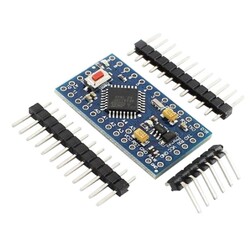
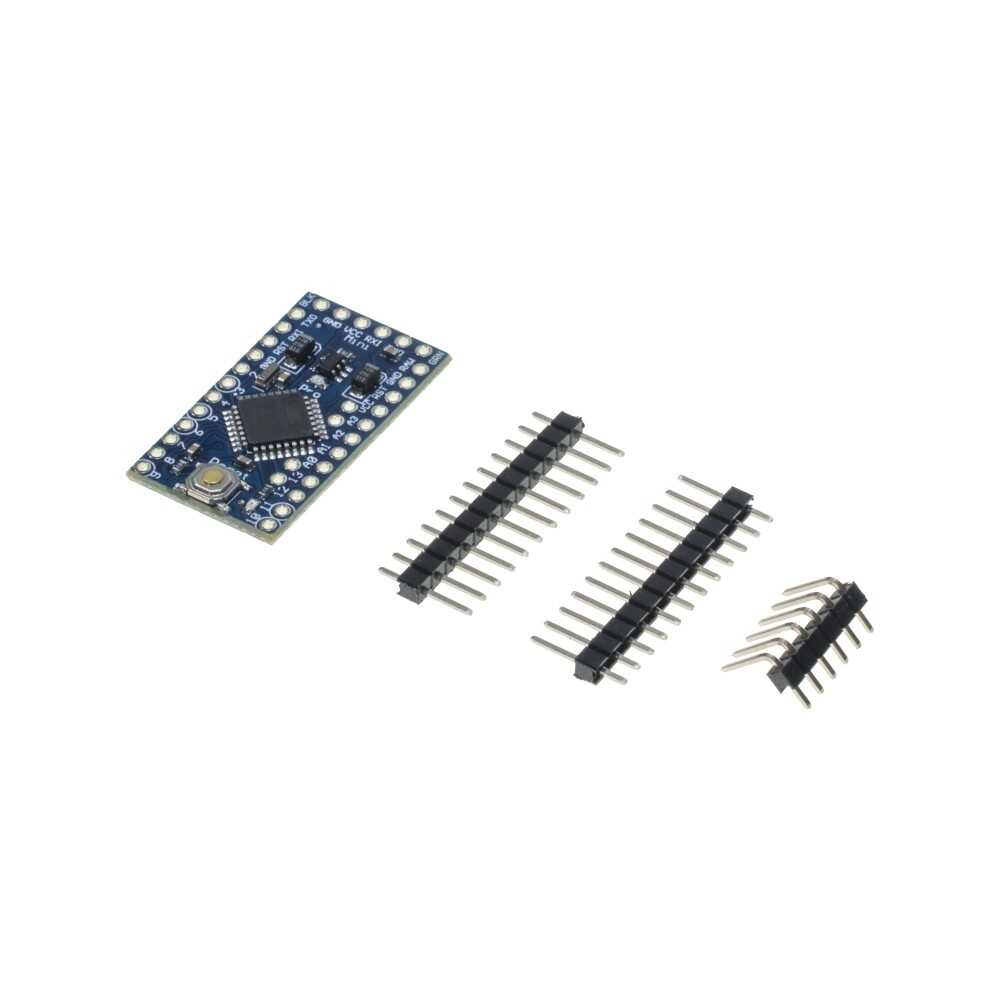
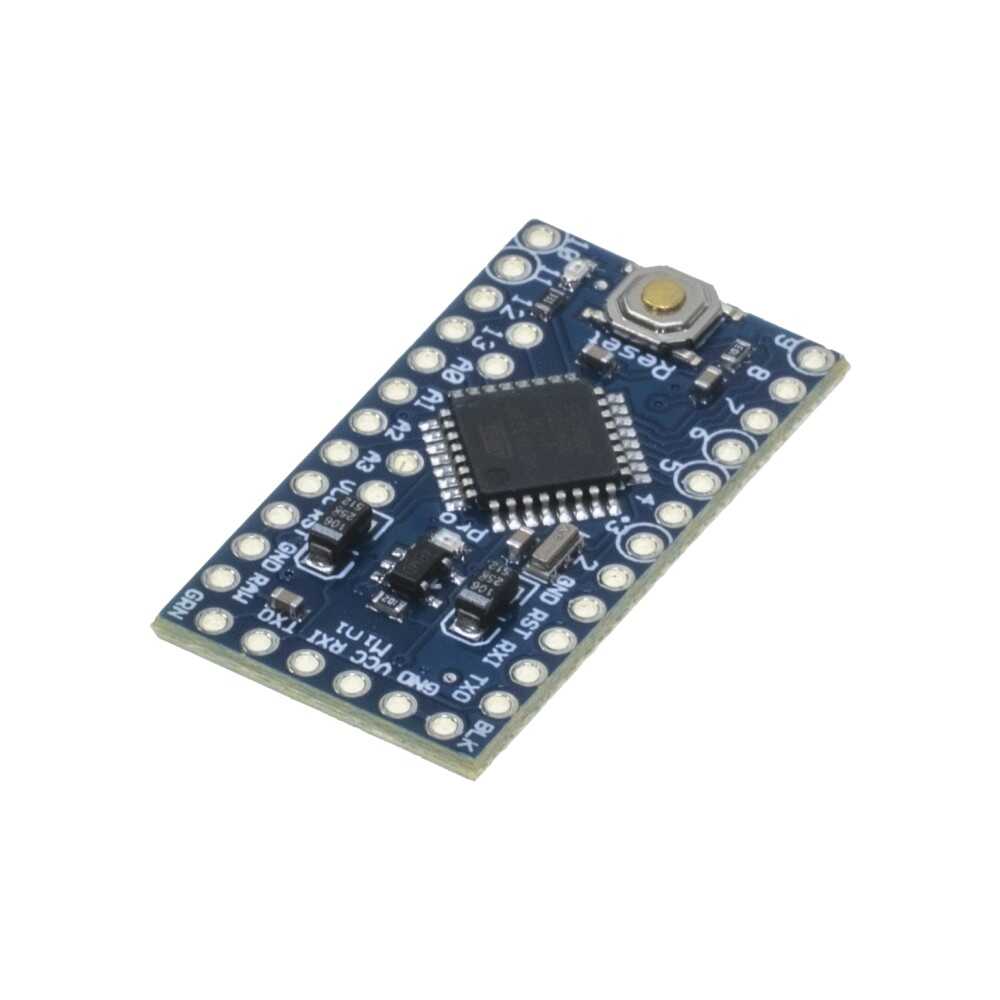
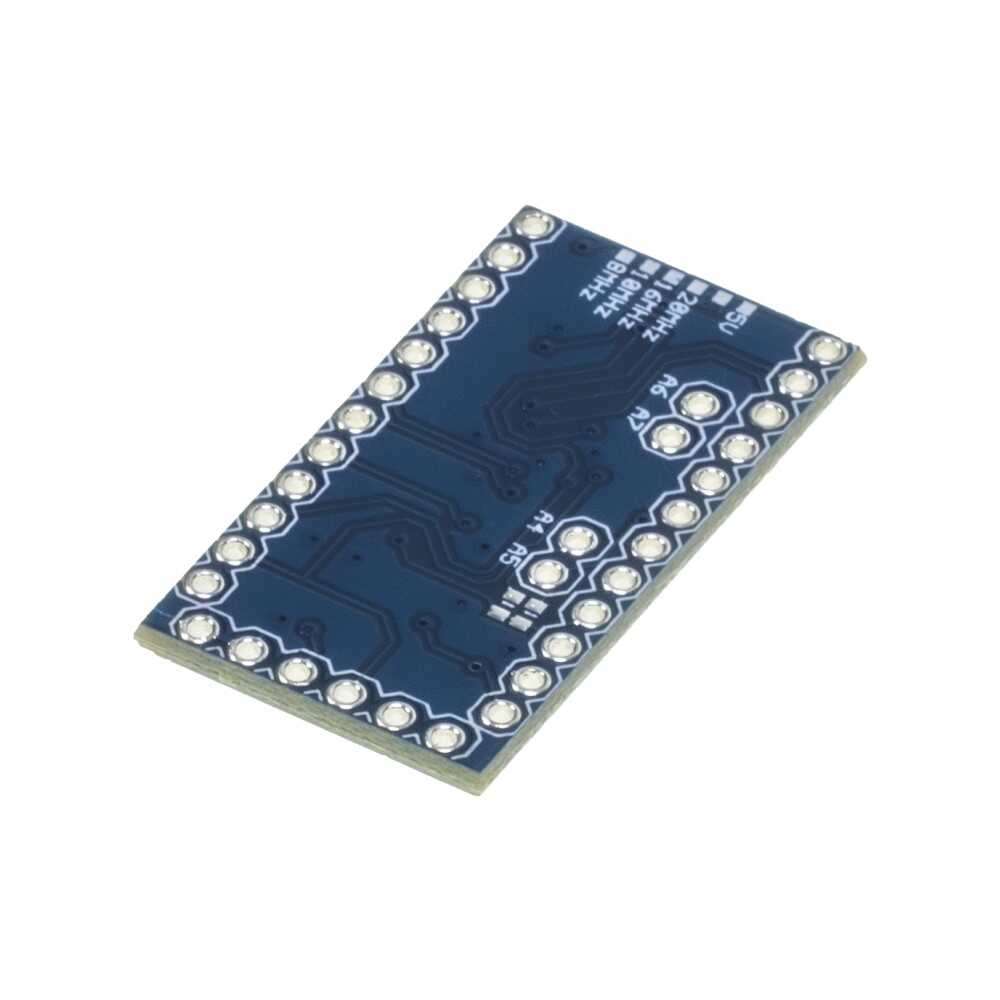
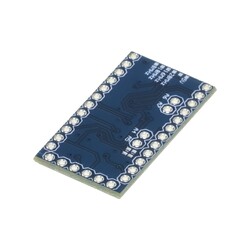
The Pro Mini 328 5V / 16 MHz development board, which is produced based on the original Arduino® Pro Mini design, is very similar in features to the Mini model, but because the pin sequence is different, they cannot be used interchangeably.
It is a compact model that you can comfortably use in projects where dimensions are important and space is limited.
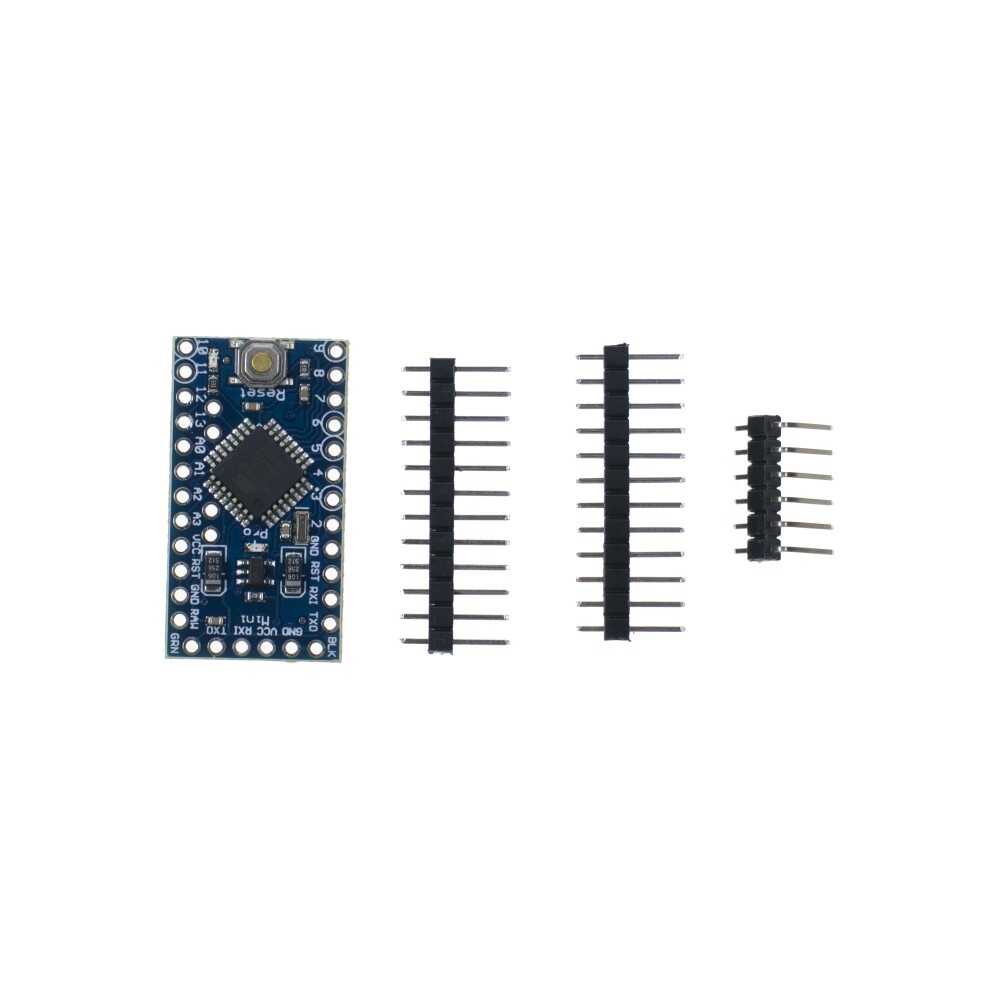
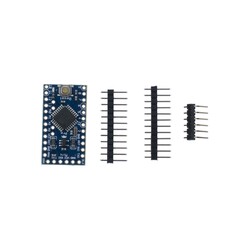
The Pro Mini 328 development board compatible with Arduino is shipped unsoldered along with male headers.
The Pro Mini 328 5V / 16 MHz development board is an ATmega328-based microcontroller board.
It features 14 digital input/output pins (6 of which can be used as PWM outputs), 8 analog inputs, a 16 MHz crystal, and a reset button.
It is specially designed to be used on a breadboard and in tight spaces where size matters.
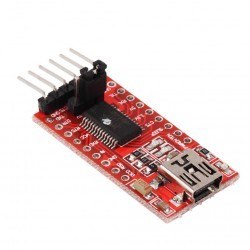
There is no built-in USB socket and programmer on the board. To upload code to the board, a USB-to-Serial Converter or a similar external USB-to-Serial converter module must be used.
There is also a different version of the Pro Mini 328 5V / 16 MHz development board that operates at 3.3V / 8 MHz.
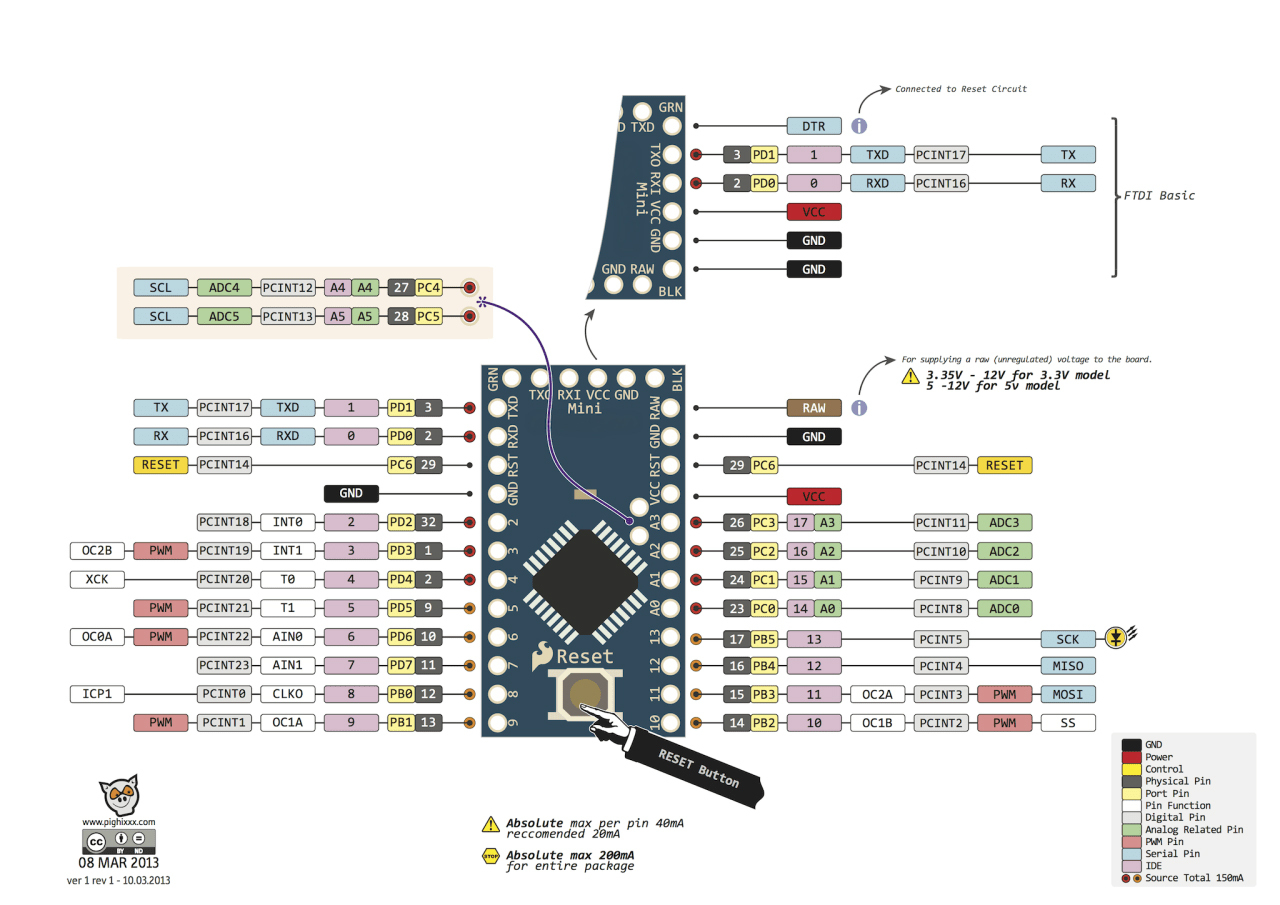
The Pro Mini 328 5V / 16 MHz development board can be powered via the 5V pin or an external power supply.
The external power source can be an AC-DC adapter or a battery. The adapter or battery can be connected via the GND and RAW pins on the board.
An external power supply between 7-12V can be used. Applying voltage above 12V may damage the board.
The operating voltage of the microcontroller on the board is 5V.
The 7-12V voltage supplied via the RAW pin is reduced to 5V by the voltage regulator on the board and distributed to the components.
The power pins are as follows:
Note: The 5V model you are reviewing does not have a 3.3V regulator. Please pay attention to the power connections.
The ATmega328 has 32 KB of flash memory (of which 0.5 KB is used by the bootloader). It has 2 KB of SRAM and 1 KB of EEPROM.
All 14 digital pins on the Pro Mini 328 5V / 16 MHz development board can be used as inputs or outputs. There are also 8 analog input pins.
Although the ATmega328 is used, while there are 6 analog input pins on standard hardware, there are 8 analog input pins on the Pro Mini 328 5V / 16 MHz development board due to the package type of the ATmega328 microcontroller used on it.
Analog input pins can also be used as digital inputs and outputs in the same way. In other words, there is a total of 22 digital I/O pins on the board. The logic level of all pins is 5V.
Each pin operates with a max. 40 mA input and output current. Additionally, some pins have specialized functions. The specialized pins are as follows:
You can review the Pin Mapping Table between the ATmega328 and the board.
There are a few different options for the development board to communicate with a computer, another microcontroller, or an Arduino® board. The ATmega328 provides UART TTL (5V) serial communication via pins 0 (RX) and 1 (TX).
There is one hardware serial port on the board. However, this number can be increased via software using the SoftwareSerial Library.
The ATmega328 also provides I2C and SPI ports. The Wire Library that comes with the Arduino® IDE is used for I2C usage, and the SPI Library is used to provide SPI communication.
The Pro Mini 328 development board compatible with Arduino is programmed with the Arduino® IDE. To program the board, a USB-to-Serial Converter or other USB-to-Serial converter modules can be used. For detailed installation, you can review the Arduino® Pro Mini Getting Started Guide page.
After the programmer connections are made, you can start programming by selecting Arduino® Pro or Pro Mini under the Tools > Board menu in the Arduino® software. For detailed information, you can review the Arduino® Reference Documents and the Basic Tutorials page. The ATmega328 on the board comes with special software installed called a bootloader. Thanks to this, you do not need to use an extra programmer when programming the board. Communication is provided by the original STK500 protocol.
By bypassing the bootloader software, the board can be programmed directly via the microcontroller's ICSP pins using an ISP programmer. For detailed information about ICSP pin connections, you can review the Pro Mini Bootloader Installation Guide page.
Note: The product you are reviewing is shipped unsoldered along with male headers; you can perform the soldering process appropriately for your project.
If you are unfamiliar with the Arduino® ecosystem, you can check out our Lessons for Arduino® series on our blog.