
 EN
EN


-
{{ CAT. NAME }}
{{ FILTERS.VARIANTS.TYPE1_NAME }}
{{ FILTERS.VARIANTS.TYPE2_NAME }}
Brand
Model
{{ FILTER.NAME }}
Price
ST/STM ARM Development Boards and Models
ST/STM ARM development boards bring together STM32 microcontrollers, Nucleo boards, Discovery kits, ST-LINK programmer/debugger products, and ARM-based embedded system development solutions.


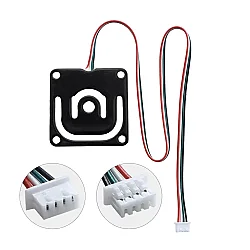
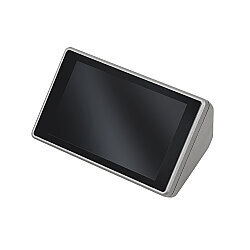
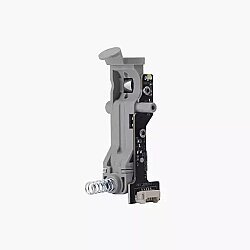
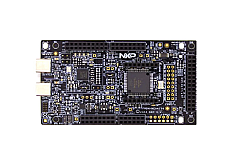
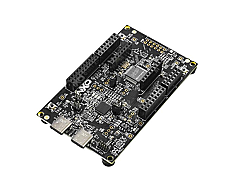
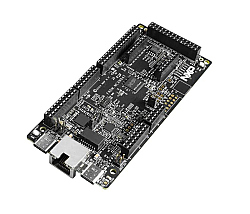
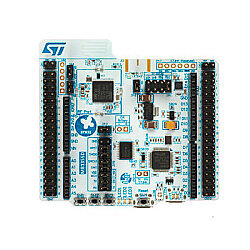
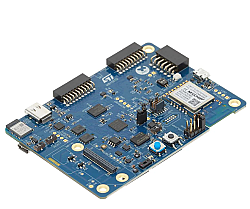
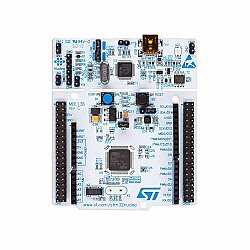
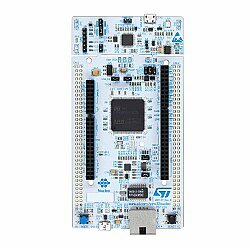
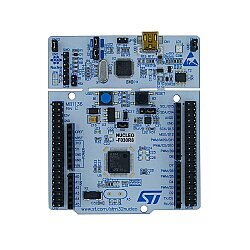
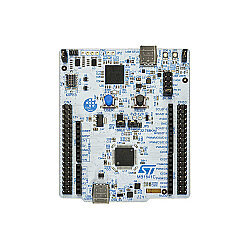
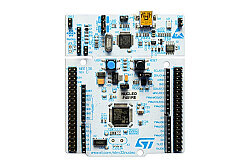
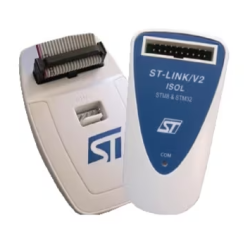
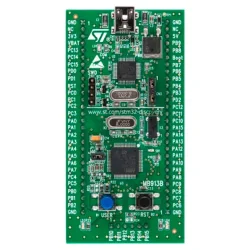
Industrial Power and Speed: ST/STM ARM Development Boards
When you move beyond basic hobby-level projects and step into professional projects that require much higher processing capacity, real-time response, and rich hardware peripherals, ST/STM ARM development boards come into play. Produced by STMicroelectronics, these boards are based on the industry-standard ARM architecture, especially the Cortex-M series.
In complex tasks such as the Internet of Things, drone flight controllers, image processing, advanced motor driver systems, and industrial automation, the STM32 series delivers high performance where standard 8-bit microcontrollers may fall short.
Which STM32 Series Should You Choose?
You can review the different ST/STM development boards on our category page in two main groups according to your project needs and prototyping habits:
1. Flexible and Compatible: STM32 Nucleo Series
Nucleo series boards are ideal and budget-friendly platforms for getting started with the STM32 ecosystem. Thanks to the built-in ST-LINK programmer on the board, they can be programmed directly via USB without the need for an extra device.
One of their biggest advantages is that the pin layout on the lower side is physically compatible with Arduino® UNO R3. This allows you to use your existing shield products with this powerful ARM architecture.
2. Comprehensive and Feature-Rich: STM32 Discovery Series
If your project requires hardware such as a touchscreen, advanced audio processing, MEMS microphones, gyroscope, or accelerometer right away, Discovery kits are a suitable option.
These boards work not only as a processor but also as a fully equipped laboratory with sensors and interfaces around it.
ST/STM Board Comparison Guide
You can use the summary table below when deciding which hardware to choose:
| Board / Hardware Series | Core Architecture | Key Feature | Ideal Use Case |
| STM32 Nucleo-64 | ARM Cortex-M0/M4 | Compatibility with shields for Arduino | Transition projects, basic ARM learning |
| STM32 Discovery | ARM Cortex-M4/M7 | Built-in sensor and display options | Advanced R&D, audio and image processing |
| ST-Link V2 / V3 | - | External programmer and debugger | Users designing their own STM32 circuit or PCB |
Move Toward Professional Production with Robotistan
Working with advanced architectures requires reading detailed technical documentation and using the right tools.
- Complete documentation: On our product pages, you can directly access the official datasheets, reference schematics, and pinout maps of the STM32 microcontroller you choose.
- Original product assurance: Industrial projects cannot tolerate failures caused by non-standard or counterfeit chips. The ST/STM boards in our category are original hardware produced according to STMicroelectronics standards.
- Wide ecosystem: You can also safely purchase the ST-Link programmer models you may need while programming your board under this category.
Frequently Asked Questions
Can I program STM32 boards through the Arduino IDE?
Yes, you can. Thanks to the STM32duino package, Nucleo and some Discovery boards can be used with the Arduino IDE. However, to fully benefit from the potential of the ARM architecture, including hardware interrupts, DMA structure, and advanced timer features, professionals generally recommend using ST's official and free software, STM32CubeIDE.
Do I need to buy an external device to program the board?
Most Nucleo and Discovery series boards include an onboard ST-LINK chip. Therefore, you can connect the board directly to your computer with a USB cable, upload code, and perform step-by-step debugging. An external programmer is not required.
What are ST-Link V2/V3 devices used for?
If you solder a bare STM32 chip onto a PCB you designed instead of using a prototyping board, you will need an external ST-Link device to upload code to that chip and debug it. This chip is integrated on development boards.