 EN
EN


-
{{ CAT. NAME }}
{{ FILTERS.VARIANTS.TYPE1_NAME }}
{{ FILTERS.VARIANTS.TYPE2_NAME }}
Brand
Model
{{ FILTER.NAME }}
Price
Development Boards and Models Based on Arduino
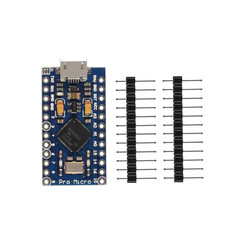
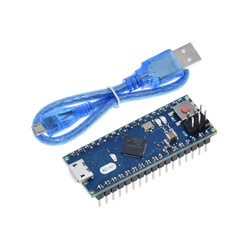
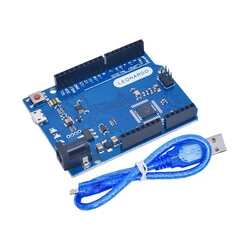
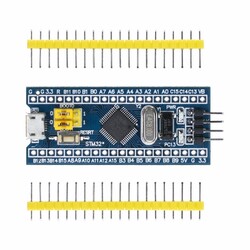
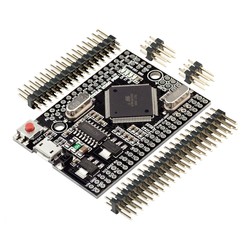
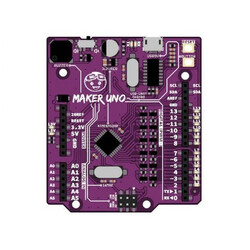
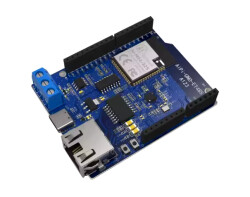
Development boards based on Arduino bring together microcontroller boards used in electronics, robotics, automation, IoT, and prototyping projects. You can compare board options such as UNO R3, Nano, Mega, Pro Mini, Pro Micro, Leonardo, Due, and similar models at Robotistan according to your project level, pin requirements, operating voltage, and connection needs.
What Is a Development Board Based on Arduino?
The world of open-source hardware is built on the idea of sharing design schematics with everyone.
Development boards based on Arduino, also commonly referred to as compatible boards, are cost-effective microcontroller boards developed by different manufacturers based on these open-source schematics.
These boards work with the same basic logic as Original Arduino® Boards, support similar voltage levels, and most importantly, compile and run the C++ code you write in the Arduino® IDE without issues.
They are one of the most practical choices for getting started with electronics without stretching your budget or for building large-scale projects that require multiple hardware units.
How to Choose the Right Compatible Board for Your Project
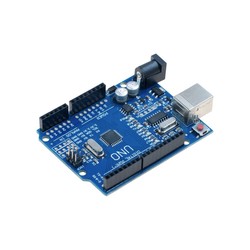
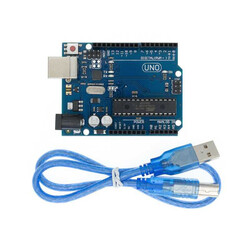
For Beginners and Education: UNO R3 Based on Arduino
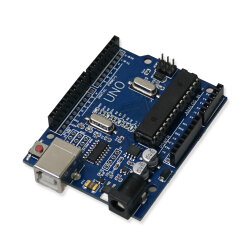
It is one of the most essential options for beginners learning electronics and for educational kits used in schools.
Thanks to the ATmega328P chip it includes, it is an ideal and popular platform for basic robotics projects, LED controls, and sensor readings.
For Compact Projects: Nano and Pro Mini Based on Arduino
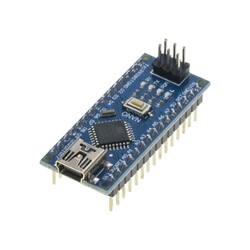
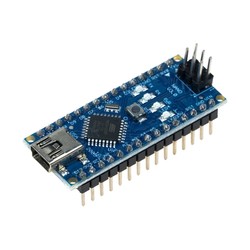
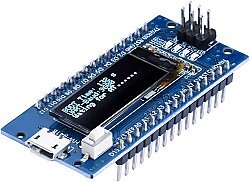
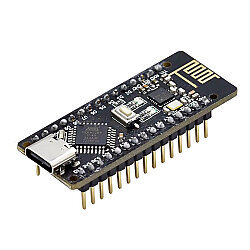
If your project has limited space, such as a wearable technology project or a mini line-following robot, you should consider Nano boards compatible with Arduino, which offer the key features of UNO in a much smaller size.
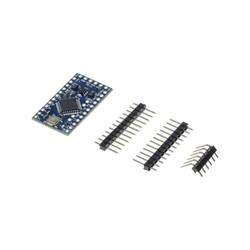
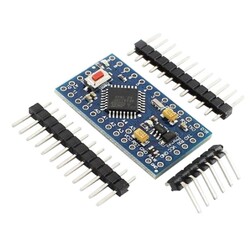
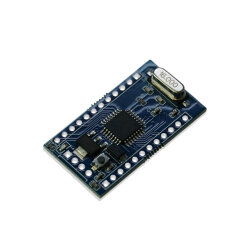
If you want to reduce the size even further and embed the project into a fixed circuit, Pro Mini models without a built-in USB socket can be preferred.
For High Capacity: Mega 2560 Based on Arduino
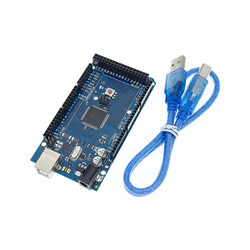
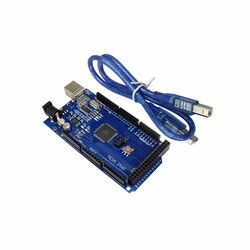
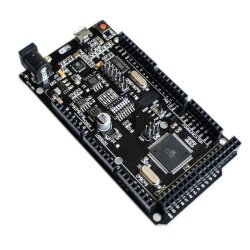
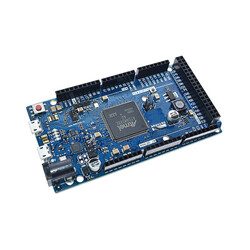
For applications that require many more pin outputs, such as building a 3D printer, CNC machines, or industrial automation simulations where many motors and sensors operate at the same time, Mega 2560-based boards stand out with their larger memory and broader I/O capacity.
Development Boards Based on Arduino Comparison Guide: Which Board Should I Buy?
You can review the table below to make your selection easier and decide which hardware is the best fit for your project:
| Hardware Model | Chip Type | Connection Interface | Key Feature | Ideal Use Case |
| UNO R3 Based on Arduino | ATmega328P | USB Type-B | Breadboard Compatible, Standard Size | Educational Kits, First Projects |
| Nano Based on Arduino | ATmega328P | Mini/Micro USB | Compact Design, Built-in USB Chip | Wearable Technology, Mini Robots |
| Mega 2560 Based on Arduino | ATmega2560 | USB Type-B | 54 Digital I/O, High Flash Memory | 3D Printers, Complex Systems |
| Pro Mini Based on Arduino | ATmega328P | FTDI Required | Extra Small Size, Low Power Consumption | Embedded Systems, Fixed Circuits |
Robotistan UX Advantage: CH340 Chip and Easy Setup
While many competitors sell compatible boards and leave users alone during the setup stage, our biggest difference at Robotistan is our content support.
Many development boards based on Arduino use the CH340 chip instead of a standard USB-to-serial converter to optimize cost.
This chip works reliably and smoothly, but it may require a driver when the board is connected to a computer for the first time.
We help you solve this process in seconds by providing a "CH340 Driver Installation Guide" on the product page and on our blog.
You can also quickly access Sensors / Modules for Arduino to expand your board, or move directly into production with tested Kits Based on Arduino if you do not want to search for each part separately.
Frequently Asked Questions
What is the difference between original boards and compatible boards based on Arduino?
The main differences are usually related to manufacturer, component selection, USB communication chip, driver requirements, warranty terms, and official brand support. Boards based on Arduino are produced using open-source hardware designs, offer a more affordable cost, and provide the same basic programming and operating logic for many projects.
How do I program development boards based on Arduino with the Arduino IDE?
You do not need any extra software. Connect your board to your computer with a USB cable, open the standard Arduino® IDE, select the model you are using from the "Tools > Board" menu, such as Arduino Uno, and upload your code.
What does CH340 do?
CH340 is one of the USB-to-serial converter chips that enables the development board to communicate with the computer over USB. Boards using CH340 may require driver installation on some operating systems.
What should be considered when buying a development board based on Arduino?
Pin count, operating voltage, processor model, USB connection, programming method, compatibility with the sensors and modules to be used, board size, power input, and communication interfaces are the main criteria to consider.