
 EN
EN


Brand
:
Robotistan
Product Code
:
23716
Ürün Satış Durumu
:
Ürün Satışa Kapalıdır. Farklı Modelleri İnceleyebilirsiniz. 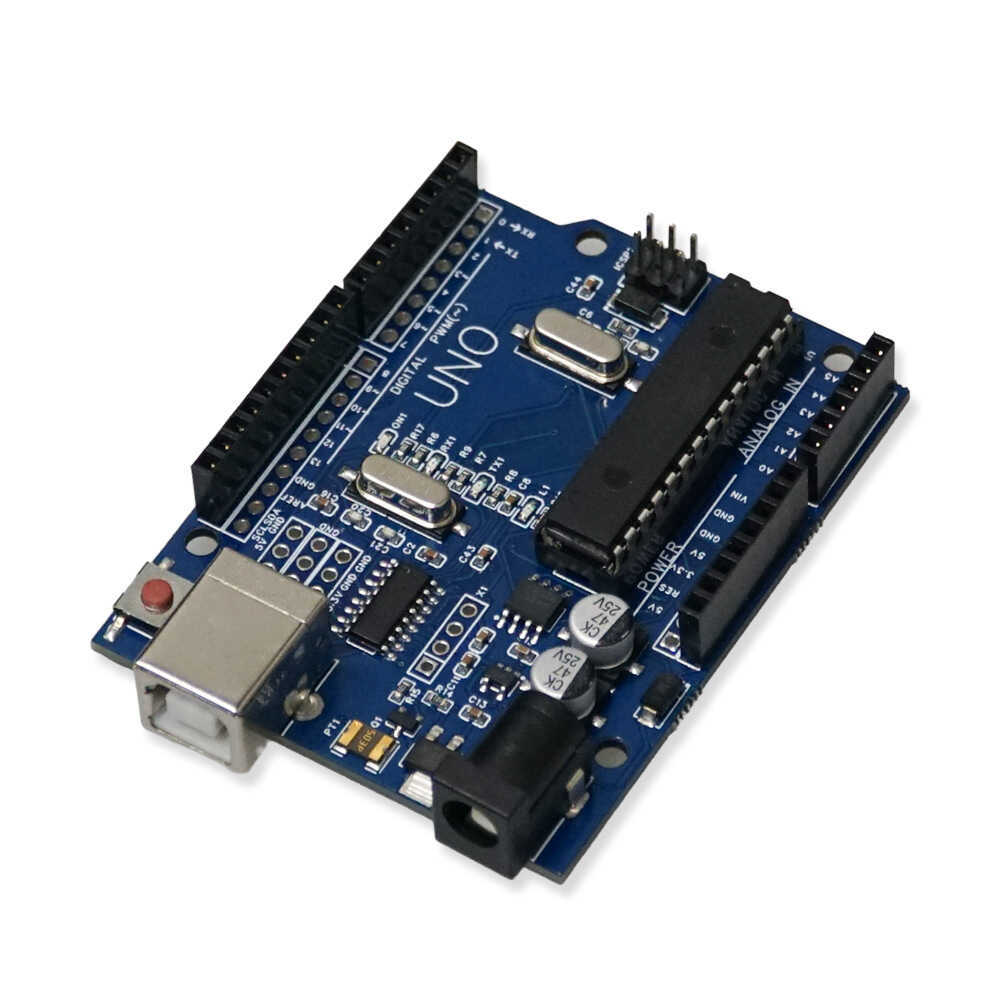
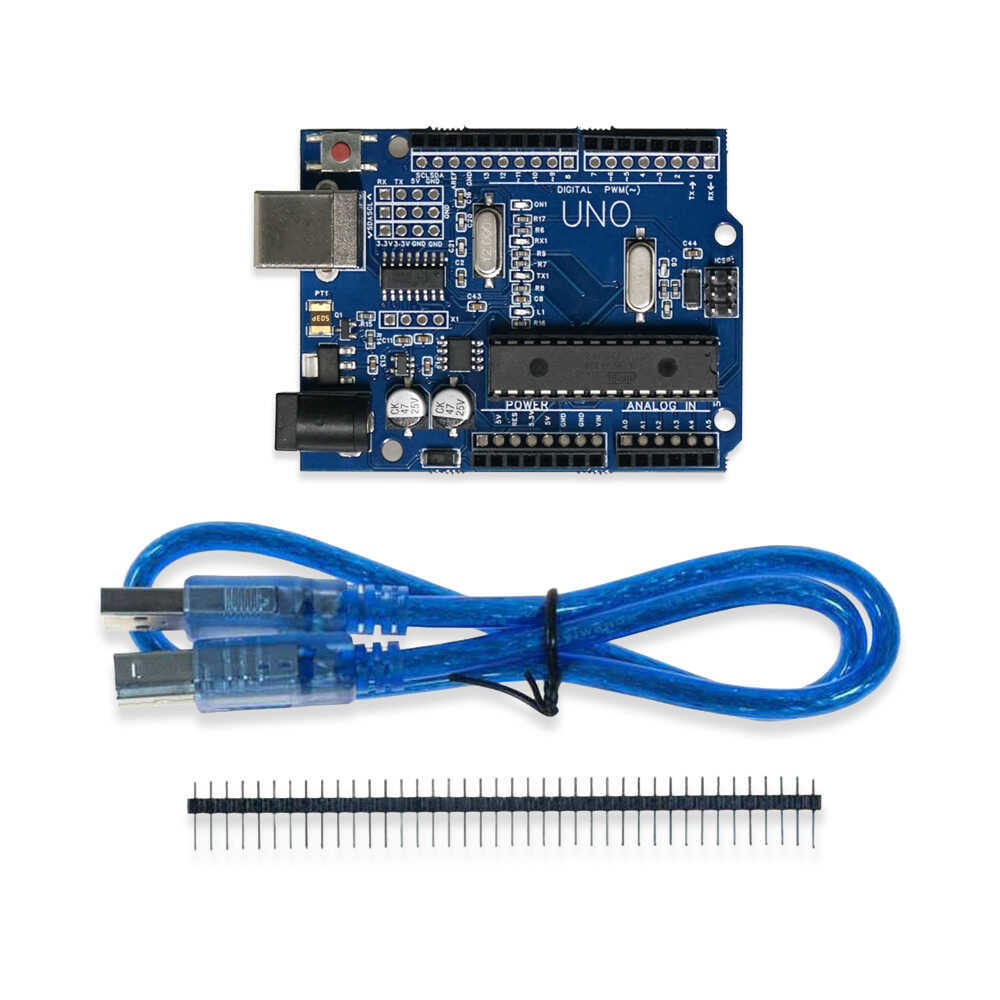
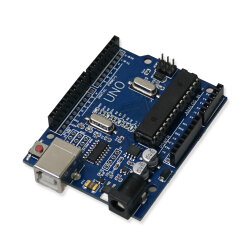
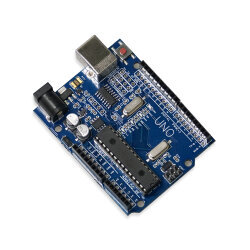
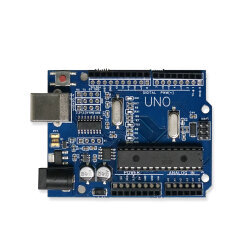
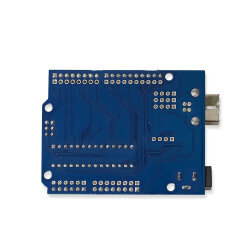
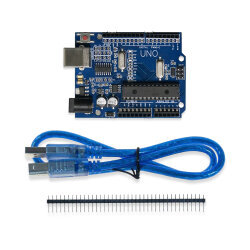
By using the electronic connections on the board as inputs, you can connect buttons, remote controls, and different types of sensors to the system; based on the data received from these inputs, you can control the operation of motors, robotic mechanisms, relays, speakers, lights, and displays. You can even manage data from the internet through the programs you write by using Ethernet or WiFi shields.
You can use Arduino® on its own in a project, or you can also operate it by communicating with your computer through platforms such as Flash, Processing, MaxMSP, and C#. You can download the Arduino® IDE, the official software development environment of the board, free of charge for Windows, Mac OS X, and Linux platforms.
Uno CH340G Board Compatible with Arduino Features:
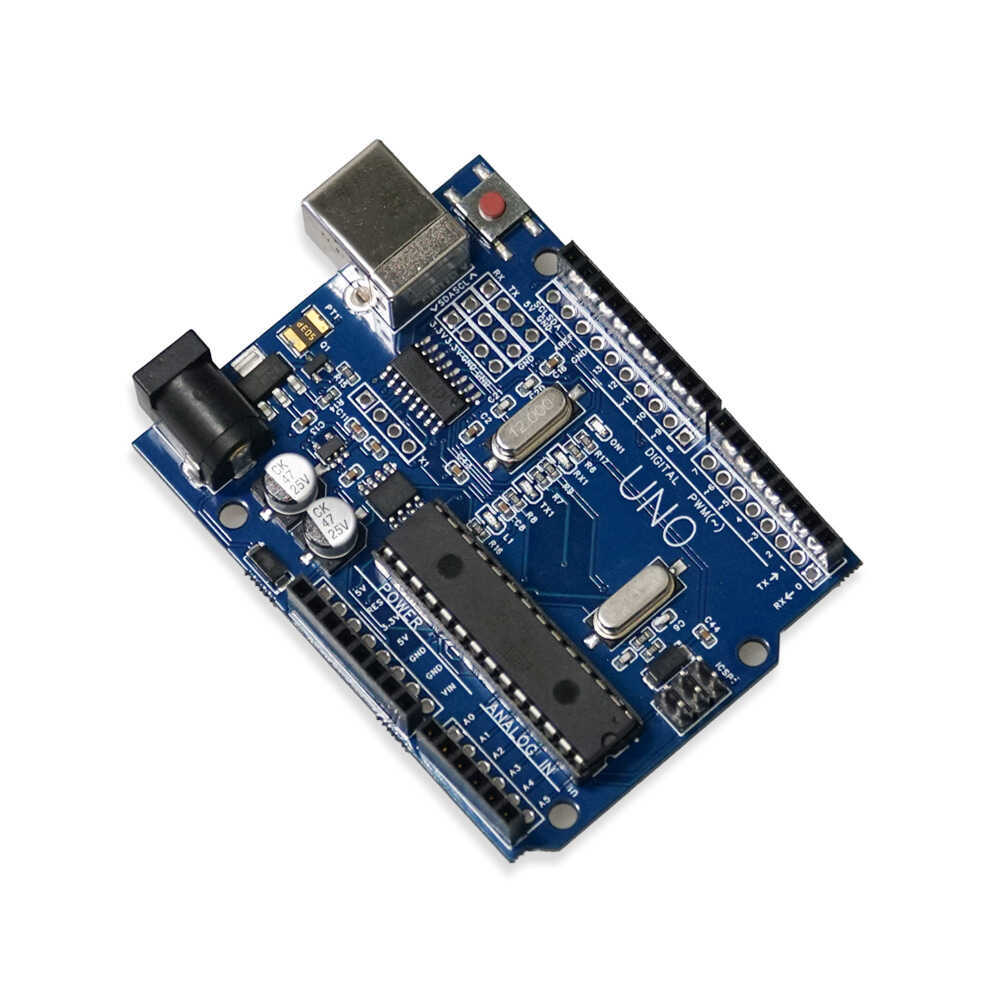
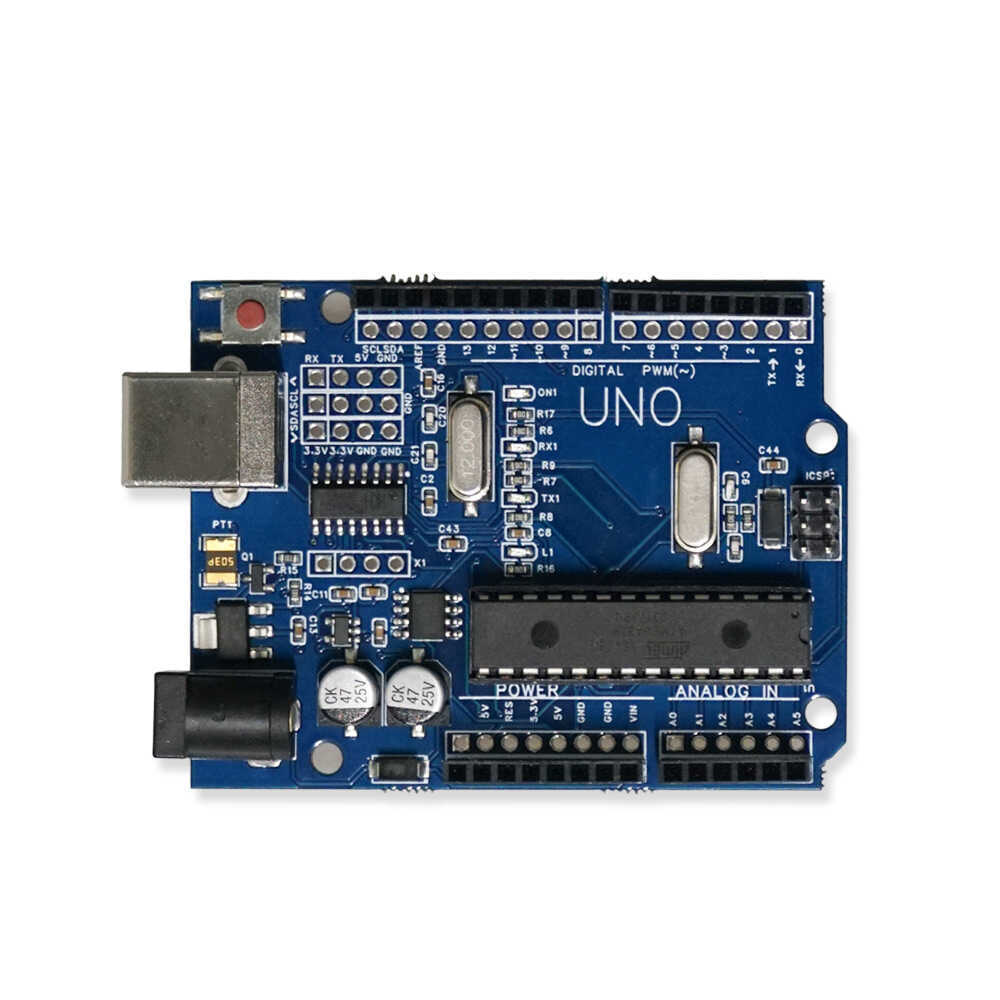
This board is the budget-friendly version of the Uno model, featuring an economical CH340G USB-to-serial converter IC and a DIP-packaged ATmega328P microcontroller. There is no difference from the original model in terms of software support, pin layout, and functionality. The DIP socketed structure of the ATmega328P microcontroller on the board allows the chip to be easily removed and replaced if it gets damaged.
You may need complementary hardware to start developing projects with Arduino®. Shield boards, which can be plugged directly onto the board to add functions such as motor driving or wireless communication, are among the most practical solutions. To build your own circuits, you need to get a breadboard and jumper cables. If you want to meet all these needs at once with guide support, you can choose our Kit Types Compatible with Arduino® prepared for every budget.
Since Arduino® has an open-source hardware architecture, its circuit diagrams have been shared with the whole world. While the original boards are manufactured in Italy, this version is produced with lower production costs, providing a price advantage for the user. Instead of the ATmega16U2/8U2 chips that provide USB communication on the original model, this board uses the stable and budget-friendly CH340G chip. Functionally, it does not make you feel any difference or deficiency in your projects.
Improved Extra Pin Feature:
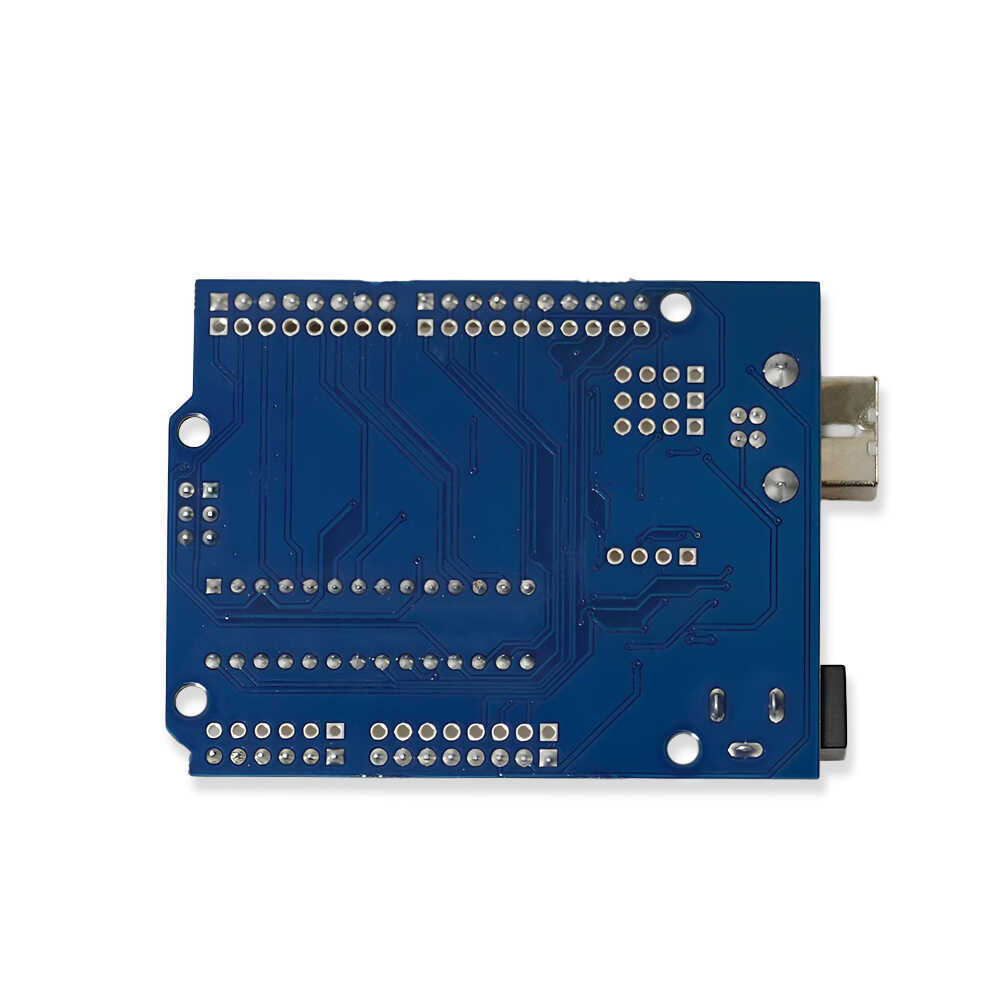
Unlike standard Uno models, this board includes an additional pin group next to the crystal to multiply pins that are often insufficient in projects: 4 x GND, 2 x 5V, 2 x 3.3V, 1 x RX/TX, and 1 x SCL/SDA. By soldering male or female headers to these external holes yourself, you can multiply your connections much more easily.


Due to the CH340 USB-to-serial converter IC on the board, Windows or macOS computers may require a driver installation to recognize the board. You can access our step-by-step driver installation guide here.

Arduino® Uno can be powered from the USB connection or an external power supply such as an AC-DC adapter or battery. The adapter can be connected through the 2.1 mm center-positive power jack on the board or through the GND (-) and Vin (+) lines on the power pins. The recommended external supply voltage for the board is between 7-12V. These limits should be observed for stable regulator operation and to prevent overheating.