 EN
EN


Brand
:
Raspberry Pi
Product Code
:
18483
Not
Not
Out Of Stock
Notify me when its in stock
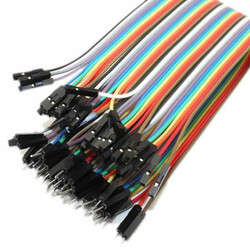
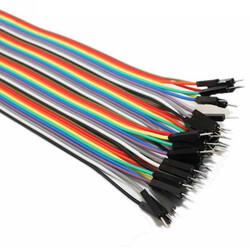
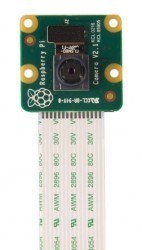
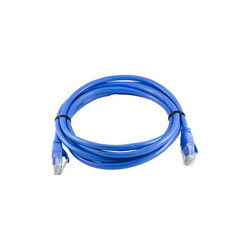
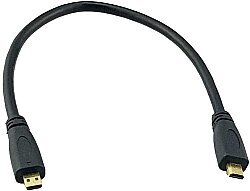
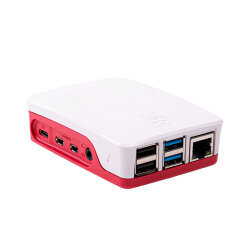

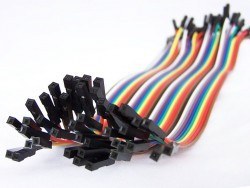
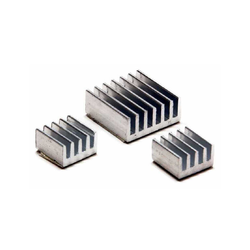
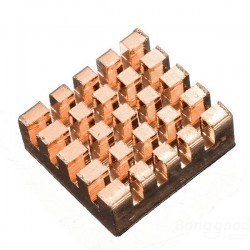
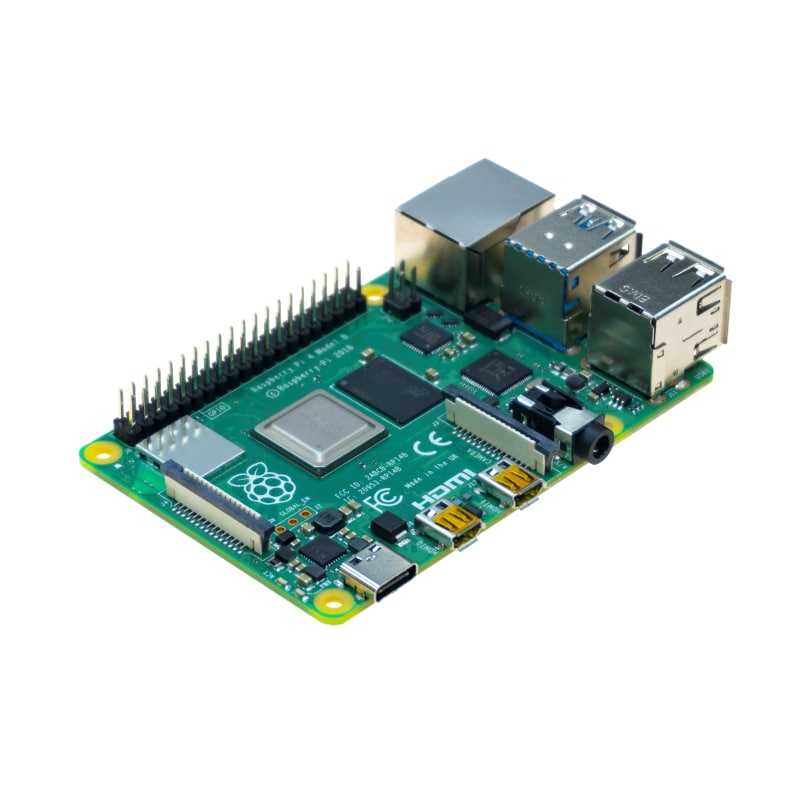
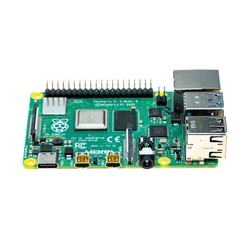
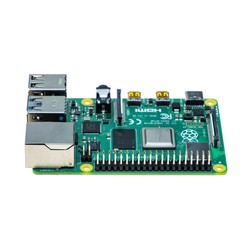
Raspberry Pi 4 is now at Robotistan with 2GB and 4GB RAM memory options!
What is Raspberry Pi 4 2GB?
Raspberry Pi is a single-board computer. This means all essential units required for a computer, such as the processor, RAM memory, and inputs/outputs, are gathered on a single circuit board. Thanks to its small design and compact structure, these computers can be used in robotics projects, smart home systems, embedded systems, kiosks, or even as a desktop computer by connecting peripherals like a keyboard, mouse, and display. Single-board computers like Raspberry Pi are preferred when microcontroller boards like Arduino lack sufficient power and multiple operations need to be performed simultaneously (e.g., a mobile robot broadcasting live video over the web). In addition to Linux operating systems, Raspberry Pi is capable of running numerous pre-built systems specifically developed to function as a gaming console, media center, or network device.
What Can I Do with Raspberry Pi 4 2GB?
Using Raspberry Pi, you can develop software projects using almost any programming language that runs on Linux. You can write software on Raspberry Pi using Python—which is easy to understand and use for beginners—Scratch, a block-based language developed specifically for kids, or Java and C/C++ for more advanced users. By using the pin connections (GPIO pins) on the Raspberry Pi, you can toggle LED lights, control electric motor movements, read data from various types of sensors, build your own IP camera using Raspberry Pi compatible cameras, and even turn 220V AC-powered devices on and off with additional modules like relay boards. If these types of projects do not interest you, you can turn your Raspberry Pi into a full-fledged computer by connecting a keyboard, mouse, and display, giving you a system with extremely low power consumption.
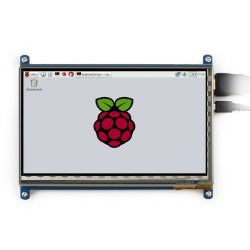
4GB: You can check display models here to use Raspberry Pi 4 as a daily computer.
Raspberry Pi 4 2GB: For projects you can do with Raspberry Pi, you can visit our blog site and YouTube channel.
How to Set Up Raspberry Pi 4?
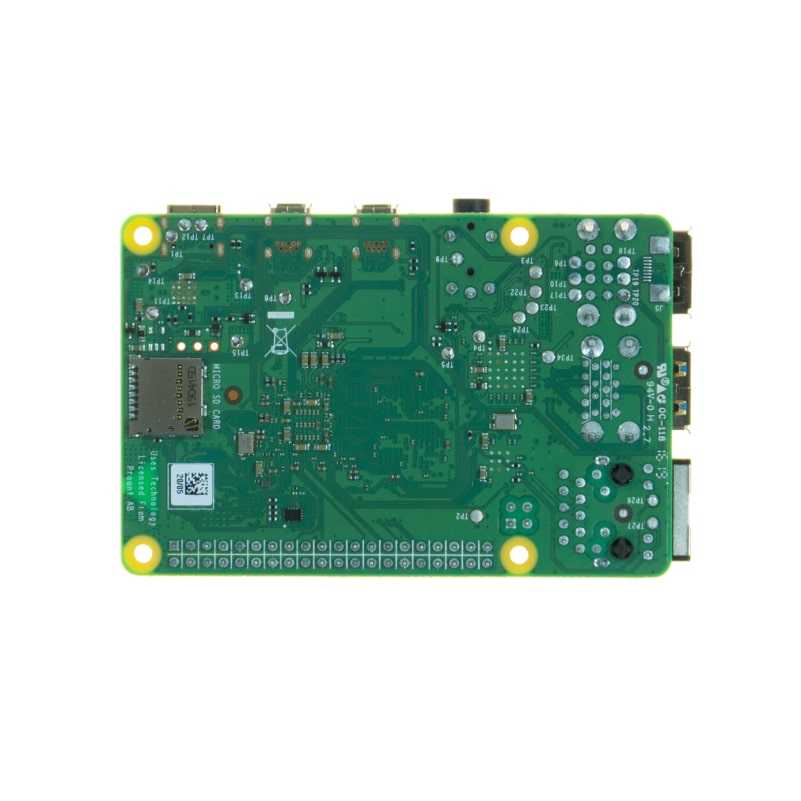
Before you start using Raspberry Pi 4, you need to install an operating system on an SD card. You can easily complete the step-by-step operating system installation by utilizing this page on our blog site or our YouTube video.
Raspberry Pi 4 Review Video
Raspberry Pi 4 Features (Differences from Raspberry Pi 3B+)
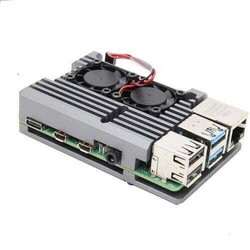
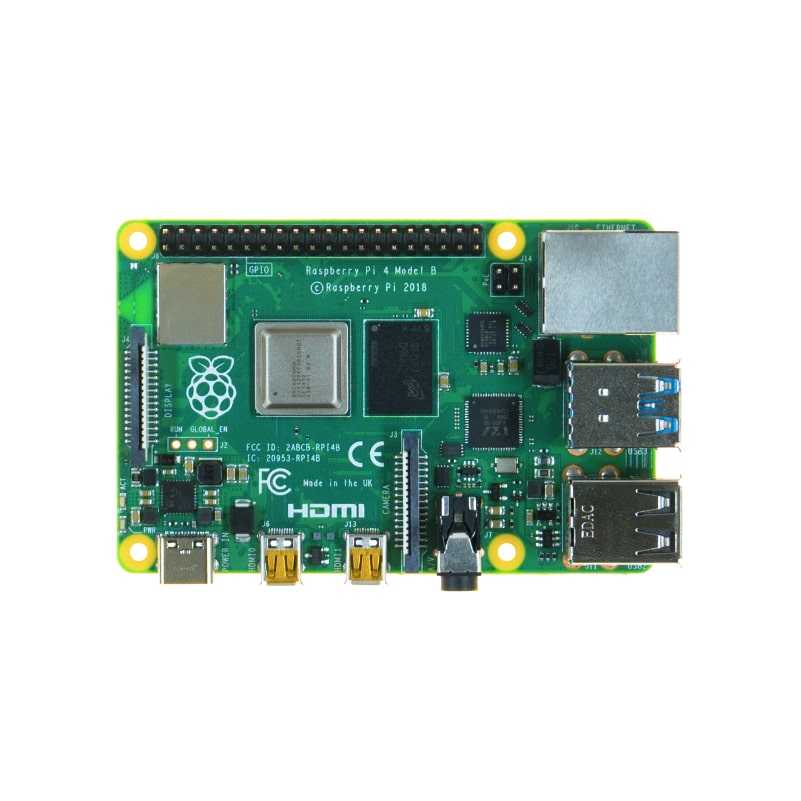
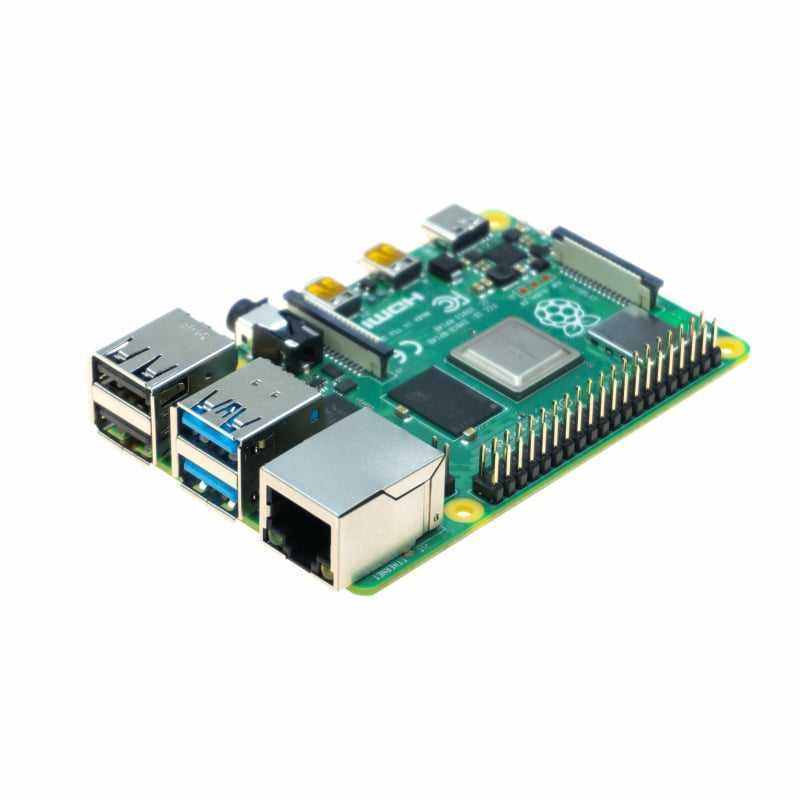
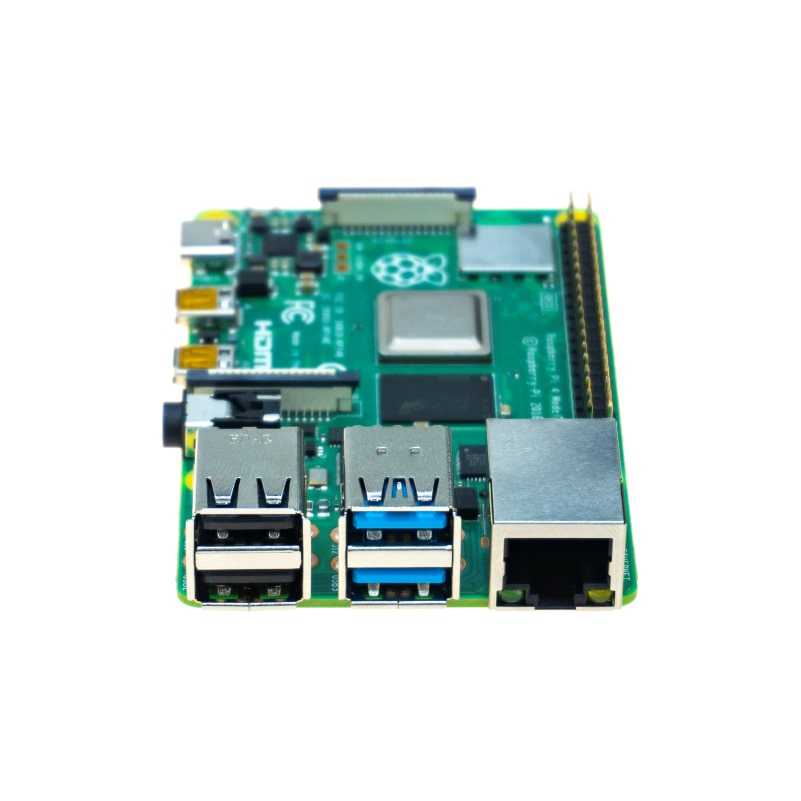
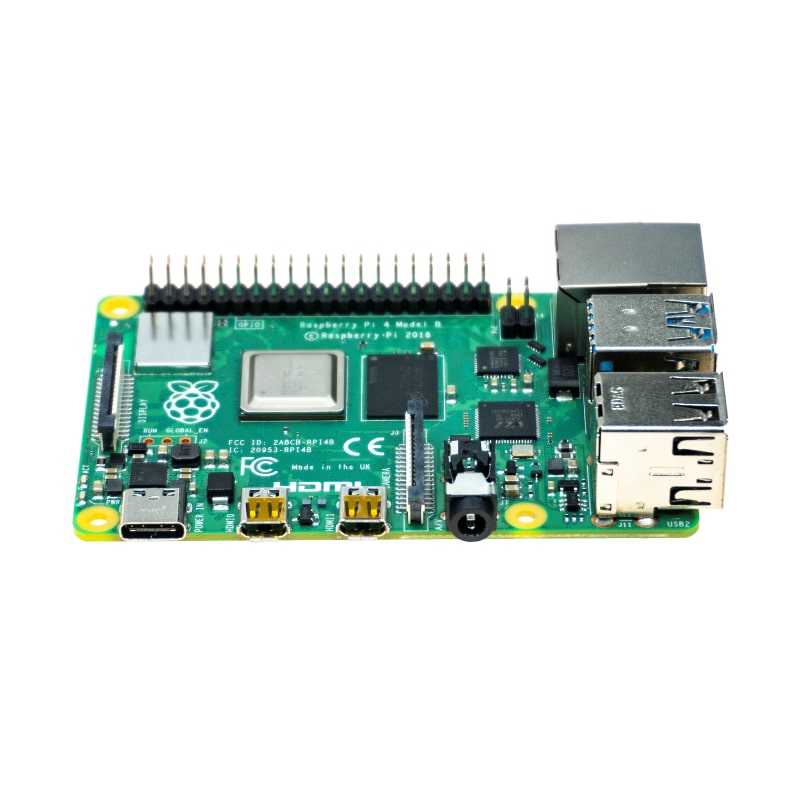
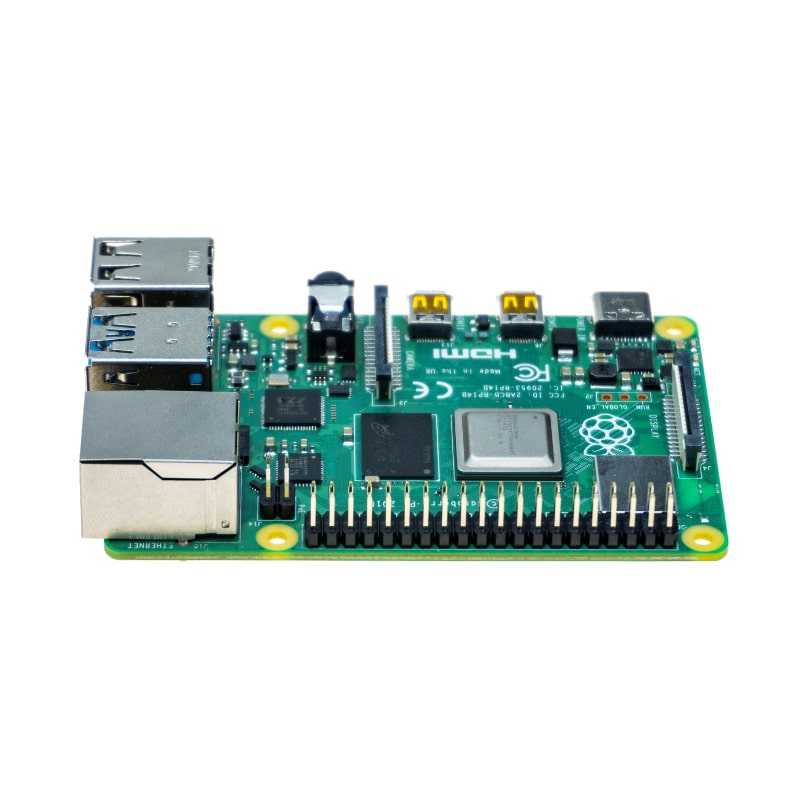
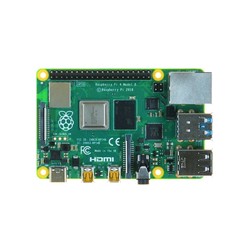
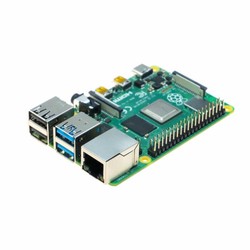
Raspberry Pi 4 comes with many innovations over the previous model, Raspberry Pi 3B+. The first noticeable feature is that the 1GB LPDDR2 RAM from the previous model now comes with 2GB and 4GB LPDDR4-3200 options. In addition, the quad-core 64-bit processor of Raspberry Pi 4 runs at a frequency of 1.5GHz. The VideoCore IV graphics unit within the Broadcom BCM2711 SoC integrated circuit also operates at 500MHz clock frequency. Alongside these under-the-hood improvements, Raspberry Pi 4 features 2 high-speed USB 3.0 ports and 2 micro-HDMI connections for 4K 60fps video output. Requiring more power than previous models, the power input socket of Raspberry Pi 4 is now of USB-C type.
|
|
Raspberry Pi 3 B |
Raspberry Pi 3 B+ |
Raspberry Pi 4 B |
|
Processor |
Broadcom BCM2837A1(B0) |
Broadcom BCM2837B0 |
Broadcom 2711 |
|
Quad-core Cortex-A53 |
Quad-core Cortex-A53 |
Quad-core Cortex-A72 |
|
|
64-bit supported @1.2GHz |
64-bit supported @1.4GHz |
64-bit supported @1.5GHz |
|
|
RAM |
1GB |
1GB |
2GB/4GB |
|
LPDDR2 |
LPDDR2 |
LPDDR4-3200 |
|
|
Connectivity |
2.4GHz 802.11.b/g/n/ac supported wireless network |
2.4GHz/5.0GHz 802.11.b/g/n/ac supported wireless network |
2.4GHz/5.0GHz 802.11.b/g/n/ac supported wireless network |
|
Bluetooth 4.1, BLE supported |
Bluetooth 4.2, BLE supported |
Bluetooth 5.0, BLE supported |
|
|
4 x USB 2.0 ports |
4 x USB 2.0 ports |
2x USB 2.0 + 2x USB 3.0 ports |
|
|
10/100Mbps supported Ethernet |
Gigabit Ethernet over USB 2.0 (max. 300Mbps) |
True Gigabit Ethernet |
|
|
Video and Audio |
1 x full-size HDMI |
1 x full-size HDMI |
2 x micro-HDMI, 4K 60FPS supported |
|
1 X MIPI DSI display port |
1 X MIPI DSI display port |
1 X MIPI DSI display port |
|
|
1 X MIPI CSI camera port |
1 X MIPI CSI camera port |
1 X MIPI CSI camera port |
|
|
Audio + composite video output via 4-pole 3.5mm jack |
Audio + composite video output via 4-pole 3.5mm jack |
Audio + composite video output via 4-pole 3.5mm jack |
|
|
Multimedia |
H.264, MPEG-4 decode (1080p30) |
H.264, MPEG-4 decode (1080p30) |
H.265 decode (4kp60) |
|
H.264 encode (1080p30) |
H.264 encode (1080p30) |
H.264 decode (1080p60) |
|
|
OpenGL ES 1.1, 2.0 supported graphics processor |
OpenGL ES 1.1, 2.0 supported graphics processor |
H.264 encode (1080p30) |
|
|
|
|
OpenGL ES 1.1, 2.0, 3.0 supported graphics processor |
|
|
Power |
USB micro-B type adapter input |
USB micro-B type adapter input |
USB-C type adapter input |
|
5V/2.5A |
5V/2.5A |
5V/3A |
|
|
|
PoE support (with additional shield) |
PoE support (with additional shield) |
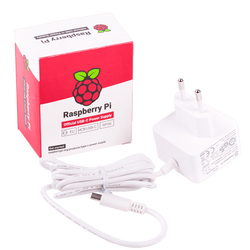
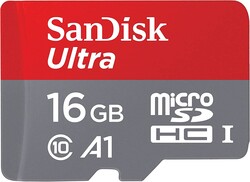
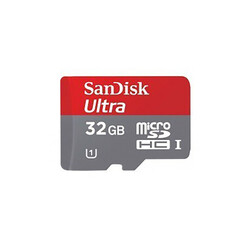
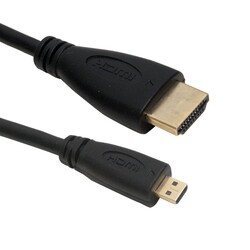
Other Required Items for Raspberry Pi 4:
To start using your Raspberry Pi 4 right away, you will need the following products:
Raspberry Pi 4 Technical Specifications:
Important Note: GPIO pins on the Raspberry Pi operate at 3.3V levels. They are not 5V tolerant.
Raspberry Pi 4 Pinout - Is there a difference compared to 3+?
Raspberry Pi 4 features the standard 40-pin GPIO header introduced starting with Raspberry Pi Model B+. Thanks to this, it works in full compatibility with your existing shield boards and other hardware.
Raspberry Pi 4 2GB Documents and Useful Links: