 EN
EN


Brand
:
PicoBricks
Product Code
:
23321
Out Of Stock
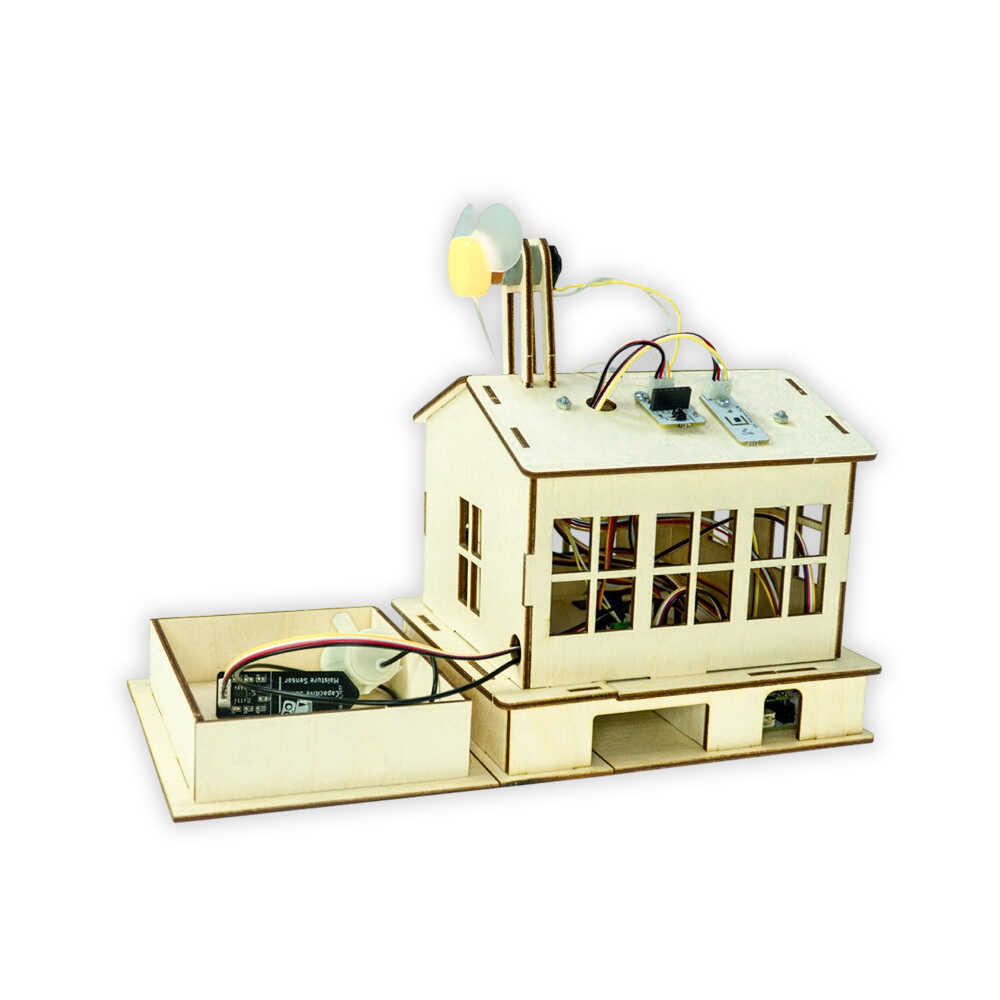
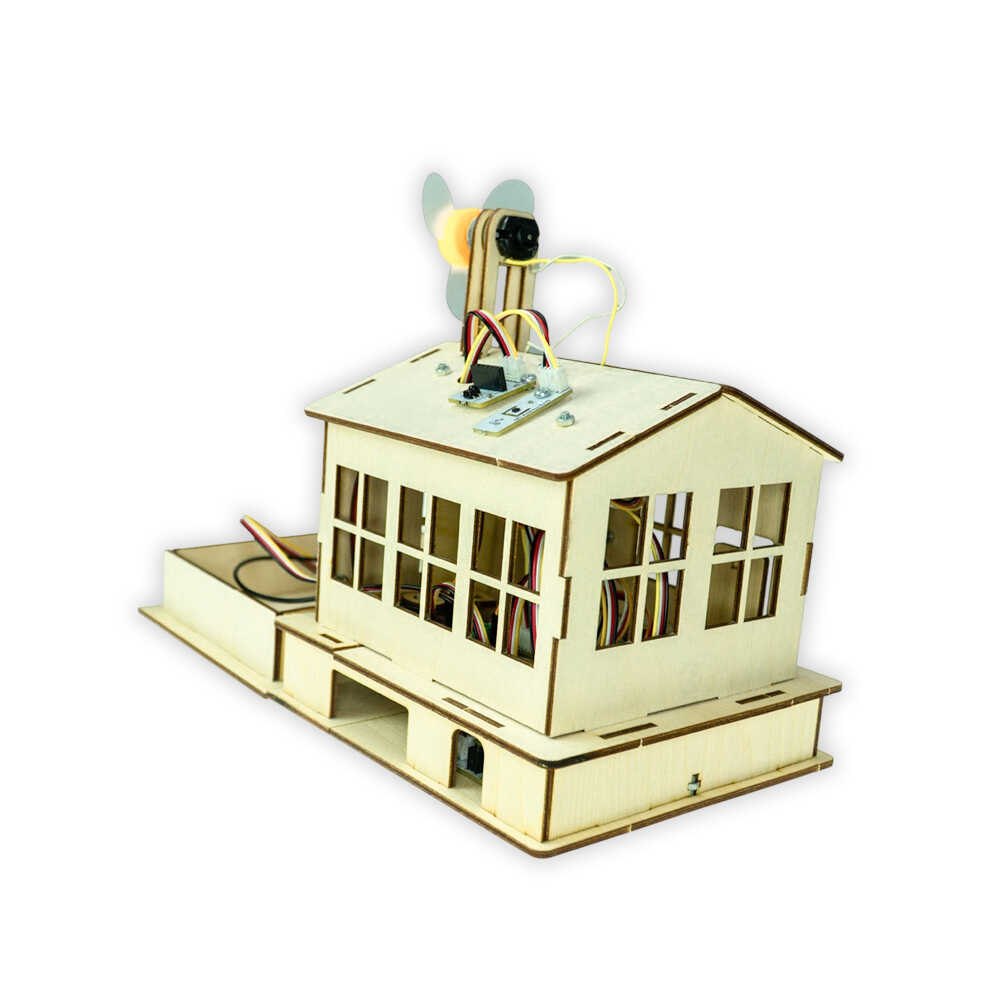
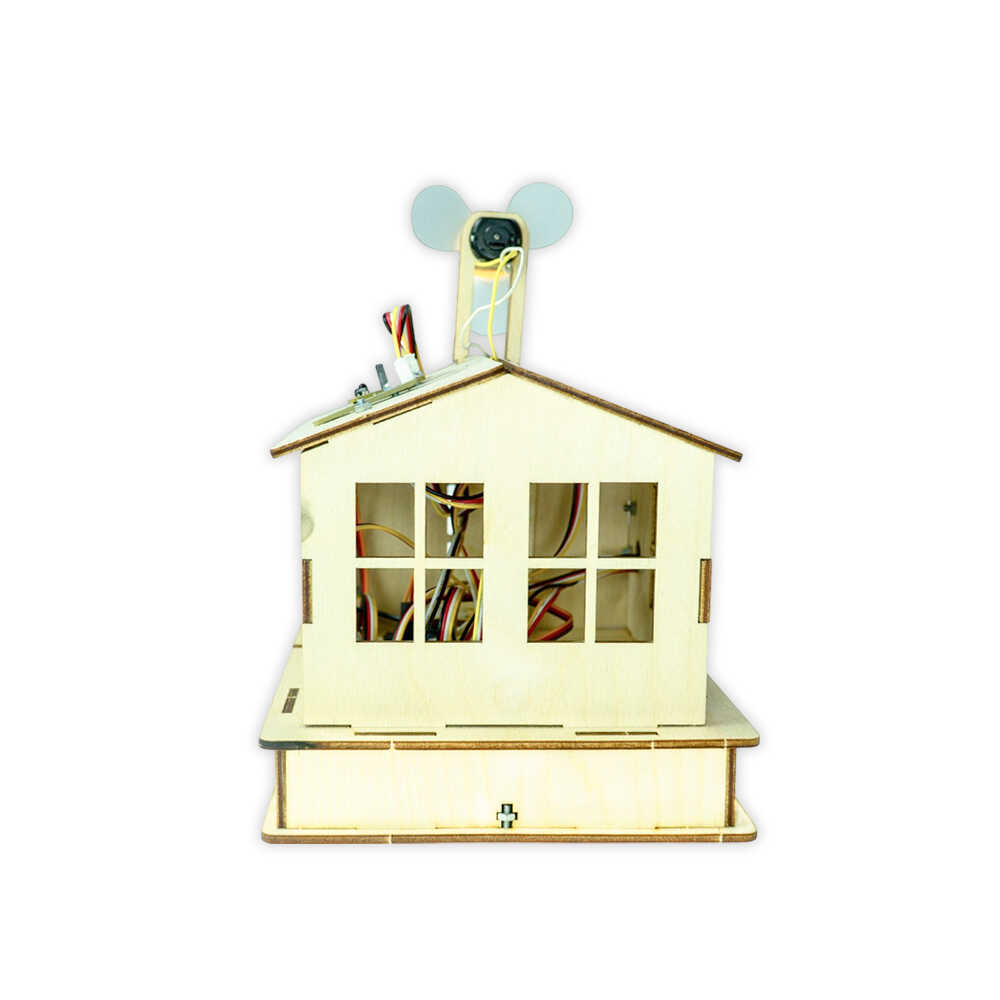
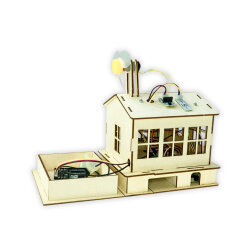
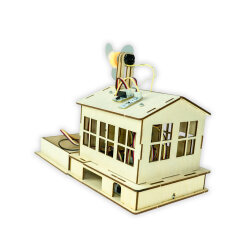
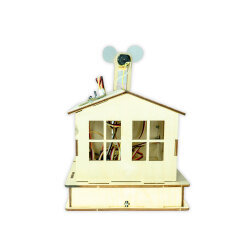
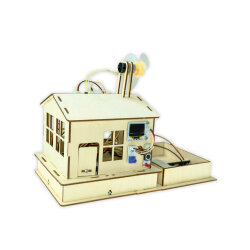
Notify me when its in stockSmart Home Farm Kit
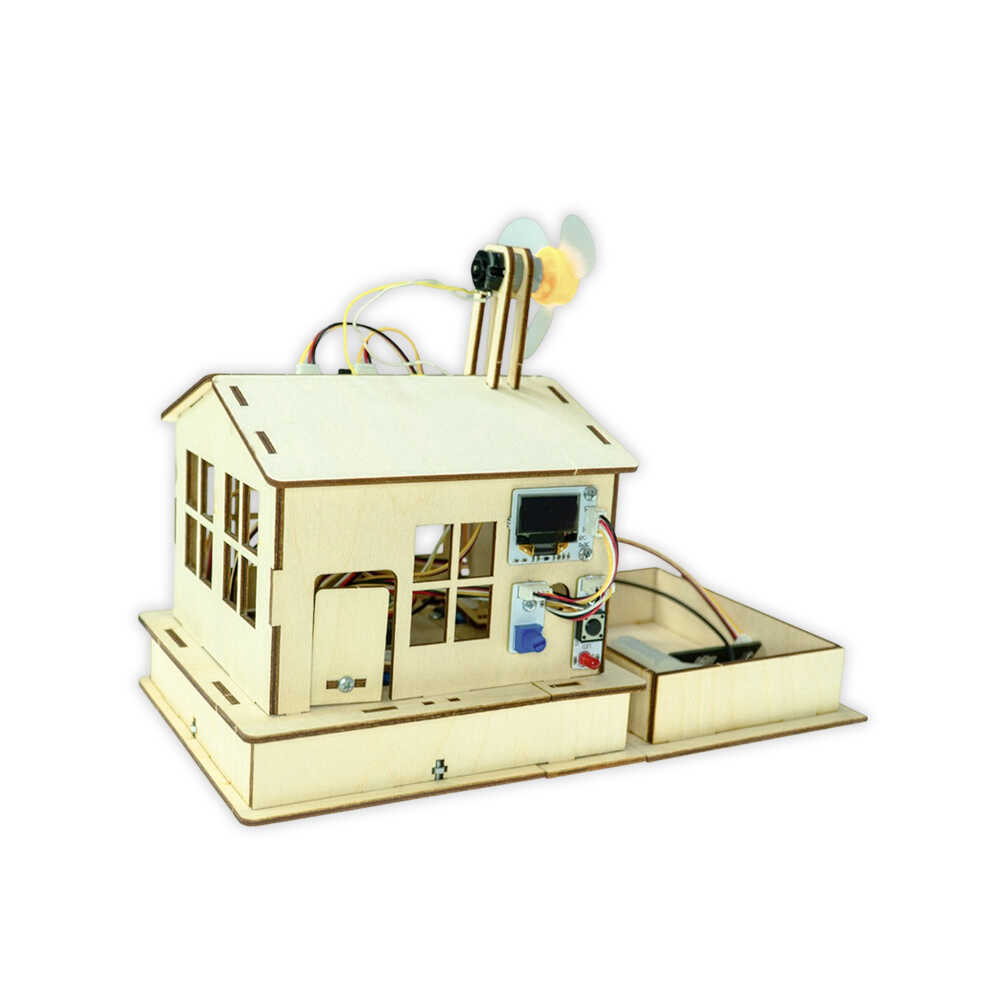
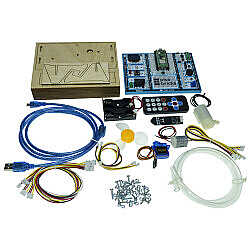
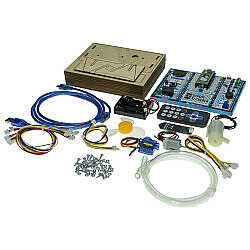
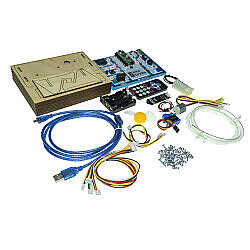
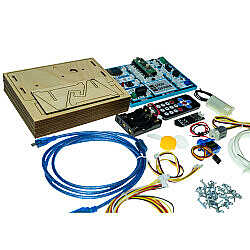
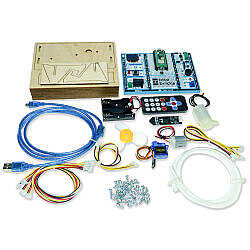
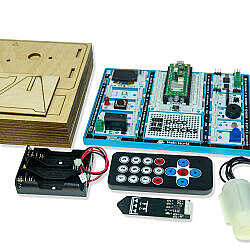
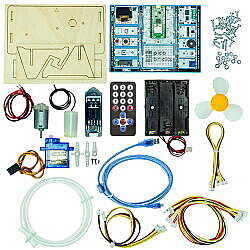
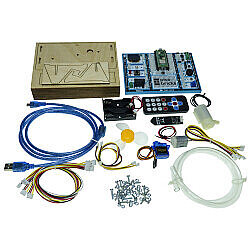
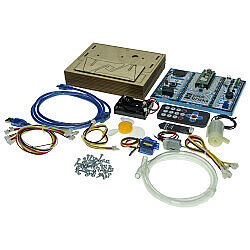
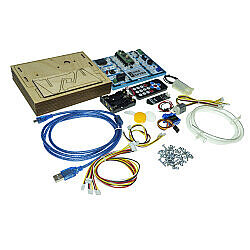
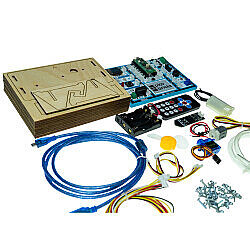
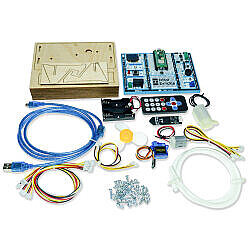
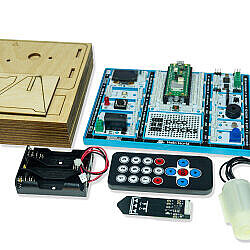
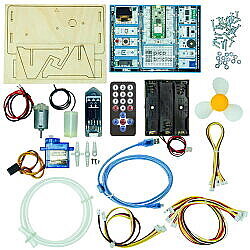
The PicoBricks Smart Home Kit is an educational set that allows you to develop smart home scenarios by combining PicoBricks sensor modules and wooden components. The Smart Home Pro Kit includes an OLED screen, RGB LED, button, red LED, temperature and humidity sensor, motor driver, IR and Wi-Fi modules, buzzer, LDR sensor, and potentiometer module. With these sensors and the Raspberry Pi Pico W microcontroller included in the kit, you can create smart home projects using either block-based or text-based coding tools. By utilizing the input and output sensors, you can customize your smart home usage scenarios. In addition to enhancing your basic electronics skills, algorithmic thinking, and problem-solving abilities, assembling the wooden parts will also help you develop motor skills and hand-eye coordination.

The PicoBricks Smart Home Pro Kit supports both text-based and block-based programming tools. You can code it with Thonny IDE using Python, with Arduino IDE using C, or with PicoBricks IDE and MicroBlocks IDE in a block-based environment. The included Raspberry Pi Pico W comes preloaded with Python codes for the Smart Home Pro Kit. This allows you to start using the kit immediately without needing to write any code. You can later revise or customize the code using either text-based or block-based languages.
Thonny IDE is a text-based programming editor that allows you to program microcontrollers using MicroPython or CircuitPython. These languages follow the Python syntax and are designed for embedded systems programming.
MicroPython is a lean and efficient implementation of the Python programming language designed specifically for microcontrollers. It allows you to upload and run Python code directly on the board using compatible editors like Thonny IDE.


PicoBricks IDE is a beginner-friendly platform that allows you to create projects using blocks before transitioning to MicroPython. Each block-based code you create has a real-time MicroPython equivalent. You can also switch to the Python editor within the IDE and work directly with Python code without needing an external offline editor.
The PicoBricks IDE supports both block-based and text-based programming in an online environment, giving you the flexibility to choose your preferred method of coding.


Useful Documents:
Similar Products: